

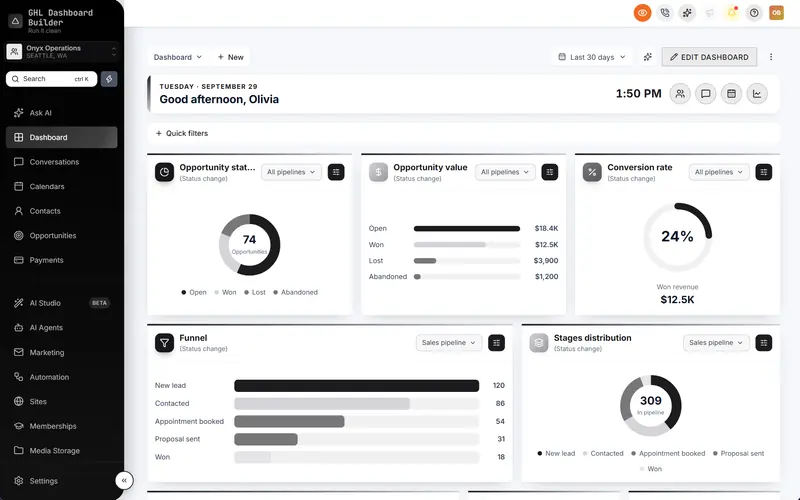
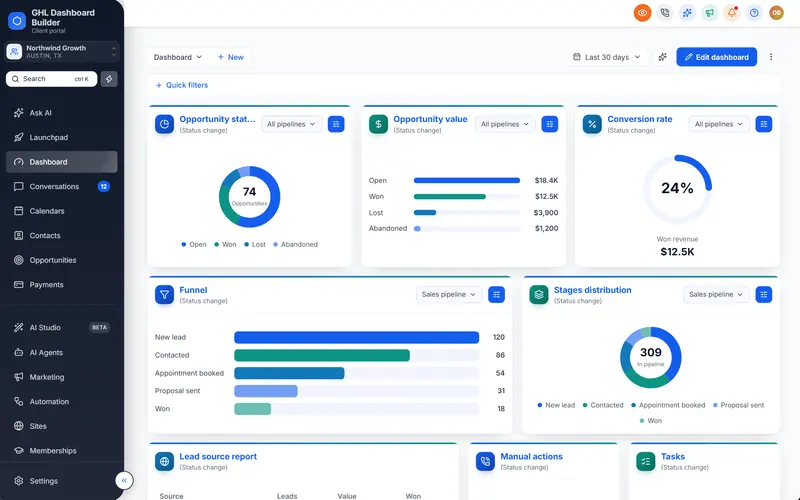
Today's appointments at the top of the Dashboard
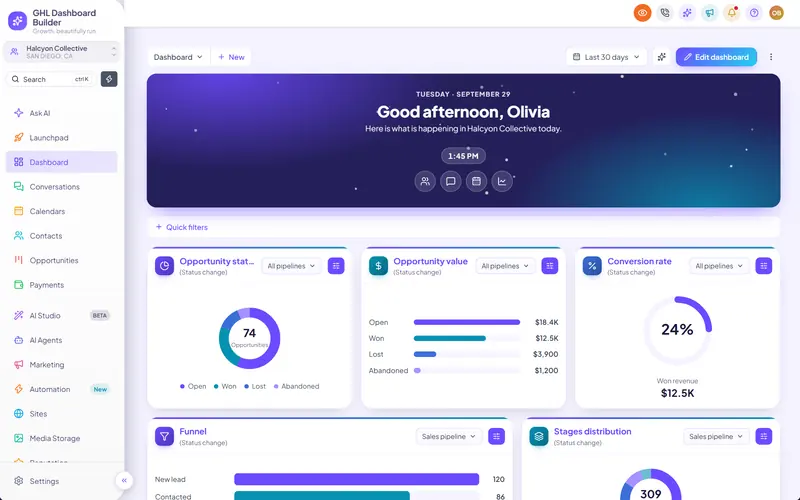
A card at the top of HighLevel's Dashboard with the next appointments from every calendar, so each user sees their day the moment they sign in.
Included from the Starter plan · Installs in HighLevel with two lines
How do I show upcoming appointments on the HighLevel Dashboard?
GHL Dashboard Builder adds an appointments board to the top of HighLevel's Dashboard. It lists the next 3 to 8 appointments from every calendar in the sub-account, with each one's time and title, and each one opens the calendar with a click. It installs with the rest of your design.
Last updated
What's included
- The next appointments from every calendar in the sub-account
- The time and title of each appointment
- Show 3 to 8 appointments
- One click opens the appointment's calendar
- Sits under the welcome banner, in your brand colors
- Updates while HighLevel is open
How it works
Appointments board in three steps
Design it free in the builder; nothing changes in HighLevel until it's installed.
- 1
Turn it on
Switch on the appointments board in the Live updates section.
- 2
See it in your design
The preview shows the board on the Dashboard with sample appointments.
- 3
Install
After install, each user sees their own sub-account's appointments.
FAQ
Questions about appointments board
Does it show every calendar?
Yes, the next appointments from all calendars in the sub-account.
Can clients change appointments from the board?
The board opens the calendar, where appointments are changed as usual in HighLevel.
Ready to make HighLevel look like your own platform?
Try the builder free, then choose a plan to get your install code.