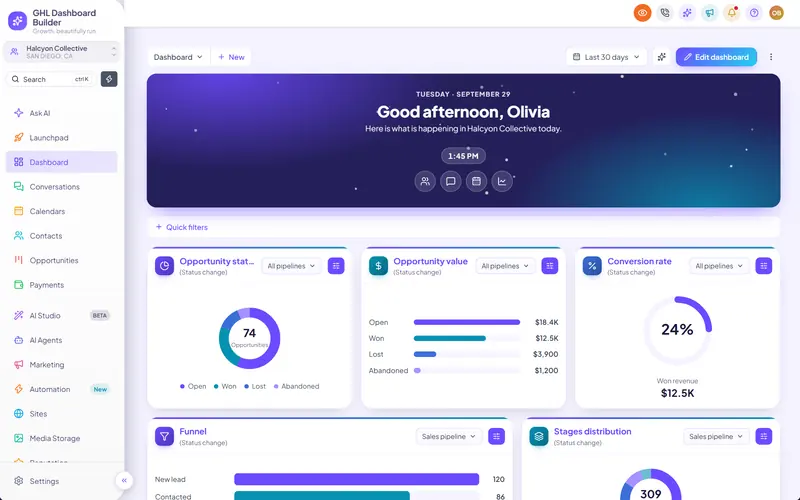
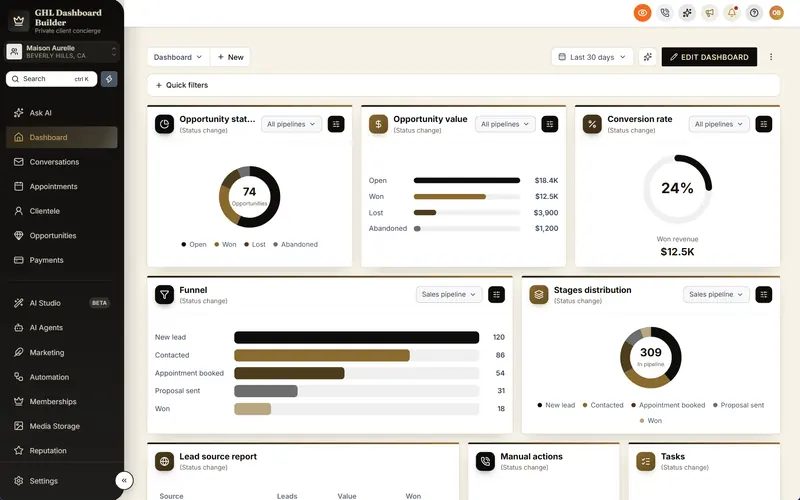
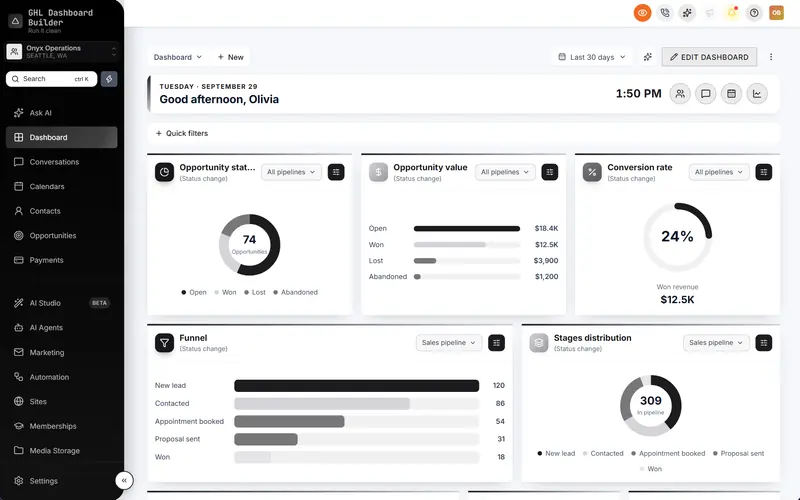
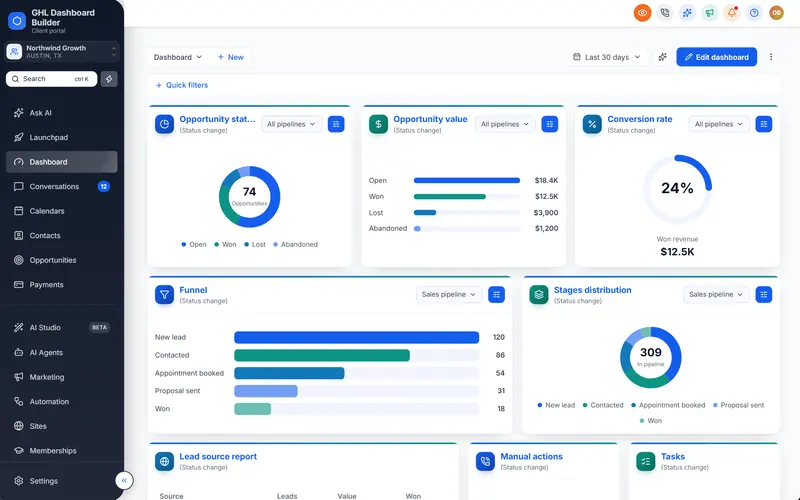
Buttons, tabs and forms with your brand's character
Every button, tab, tag, dropdown and input in HighLevel in your brand, with button designs from solid to glass, your own corners and borders, and a subtle shimmer.
Included from the Starter plan · Installs in HighLevel with two lines
Can I change the button style in HighLevel?
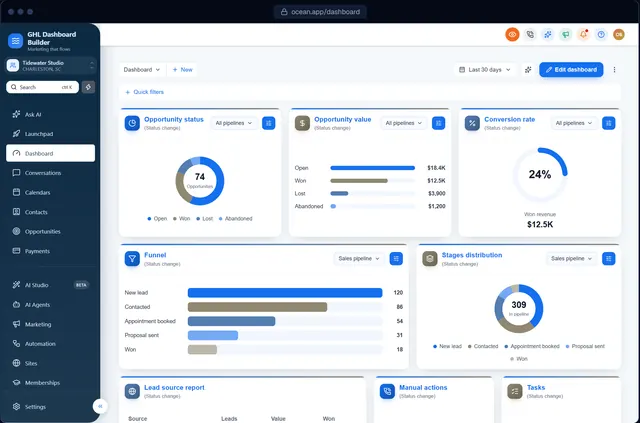
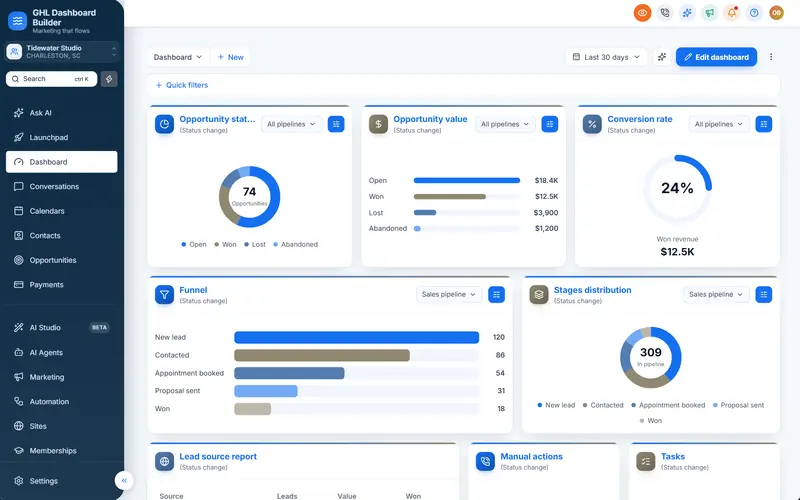
Yes. GHL Dashboard Builder restyles HighLevel's own buttons, tabs, tags, dropdowns and inputs. Choose solid, gradient, outline, soft or glass buttons, pill or square corners, borders, weight and hover effects, or one of the ready-made button designs. It installs on every HighLevel screen.
Last updated
What's included
- Button designs: solid, gradient, 3D, soft, outline or glass
- Pill, rounded or sharp corners, borders and font weight
- Hover effects: lift, glow, shine or press
- Tabs, tags and dropdowns in your colors
- Inputs with brand focus rings
- One brand loader and a subtle shimmer
How it works
Buttons, cards & forms in three steps
Design it free in the builder; nothing changes in HighLevel until it's installed.
- 1
Pick a button design
Choose a ready-made design or mix your own in the Buttons & cards section.
- 2
Check every screen
The preview shows your buttons on Contacts, Conversations, the pipeline and more.
- 3
Install
Paste the two install lines; every button in HighLevel follows your design.
FAQ
Questions about buttons, cards & forms
Does it change buttons inside funnels or websites?
No, only HighLevel's own app screens. Your funnels and websites keep their own styles.
Can I keep HighLevel's button shape and only change the color?
Yes, choose the solid design and keep the default corners.
Ready to make HighLevel look like your own platform?
Try the builder free, then choose a plan to get your install code.