

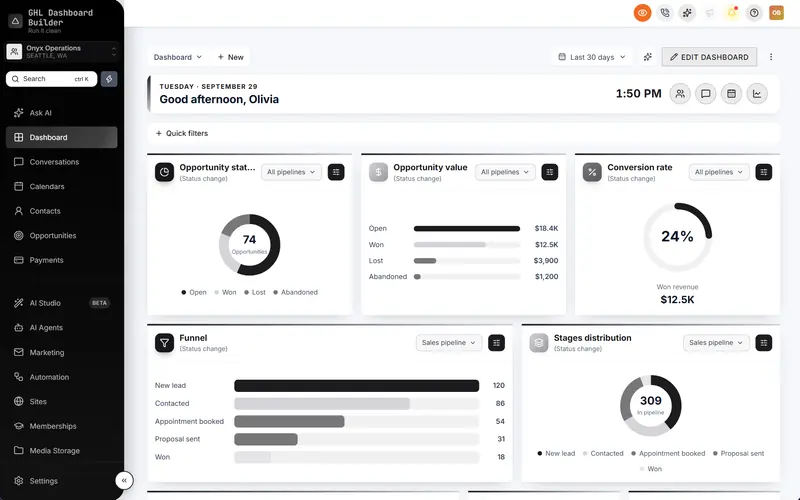
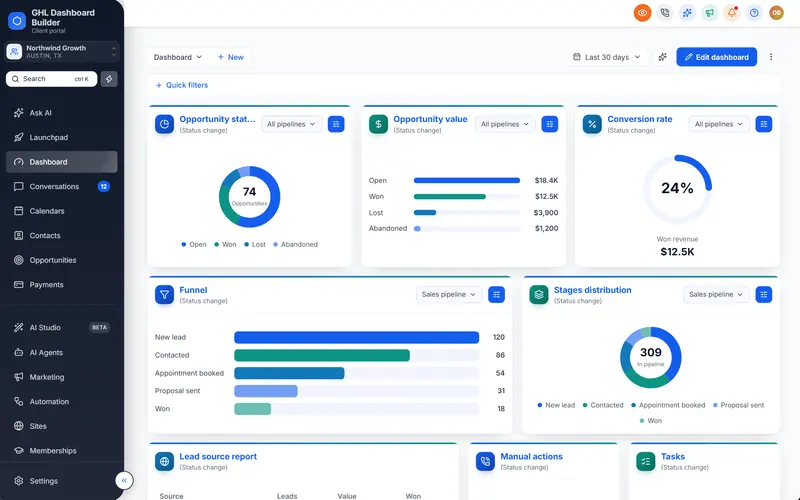
Your brand colors, fonts and logo across HighLevel
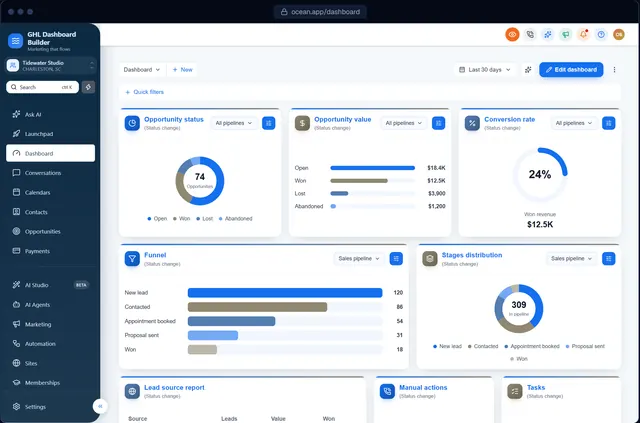
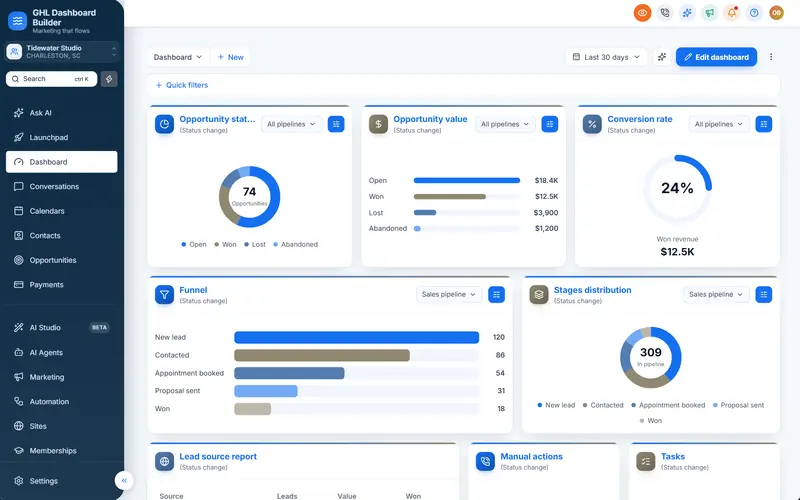
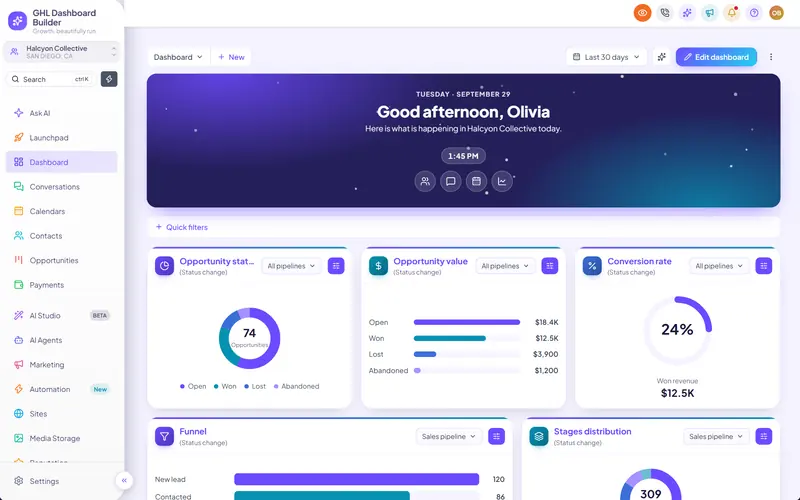
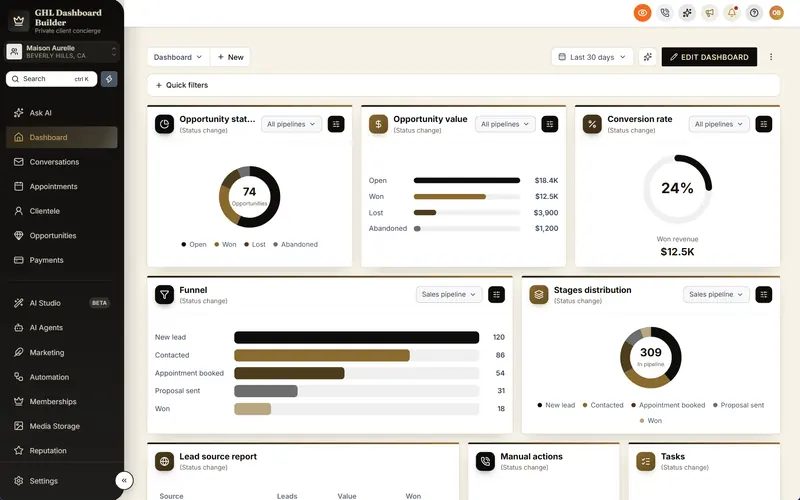
One color system for the whole of HighLevel: primary and accent colors, the sidebar, the header, surfaces and status colors, plus your fonts, favicon and logo.
Included from the Starter plan · Installs in HighLevel with two lines
How do I change HighLevel's colors to my brand?
HighLevel's own white-label settings change the logo and little else. With GHL Dashboard Builder you pick your primary, accent, sidebar and header colors, a font and a favicon in a visual builder, then paste two lines into HighLevel's Custom Code. Buttons, tabs, tags, menus, charts and the sidebar all switch to your brand.
Last updated
What's included
- Primary and accent colors on buttons, tabs, tags, dropdowns and links
- Sidebar, menu highlight, hover text and header colors
- Surfaces, borders and success, warning and danger colors
- A brand gradient for buttons, banners and glows
- Google Fonts for headings and body text
- Your logo at the top of the sidebar in three sizes, and your favicon
How it works
Brand & colors in three steps
Design it free in the builder; nothing changes in HighLevel until it's installed.
- 1
Pick your colors
Start from a template or a palette preset, then set your primary, accent and sidebar colors. Every screen in the preview updates as you go.
- 2
Add your logo and font
Paste a logo link or upload one, choose its size, and pick a font for headings and text.
- 3
Install it
Paste the two install lines into HighLevel's Custom Code. Every sub-account shows your brand after a refresh.
FAQ
Questions about brand & colors
Do the colors change HighLevel's charts too?
Yes. Chart colors come from your palette, so the Dashboard's charts match your brand.
Can I use my own font?
Yes, any Google Font, for headings and body text separately.
Will it change the colors my clients chose for their own content?
No. Only HighLevel's interface changes; pipelines, contacts and messages stay as they are.
Ready to make HighLevel look like your own platform?
Try the builder free, then choose a plan to get your install code.