

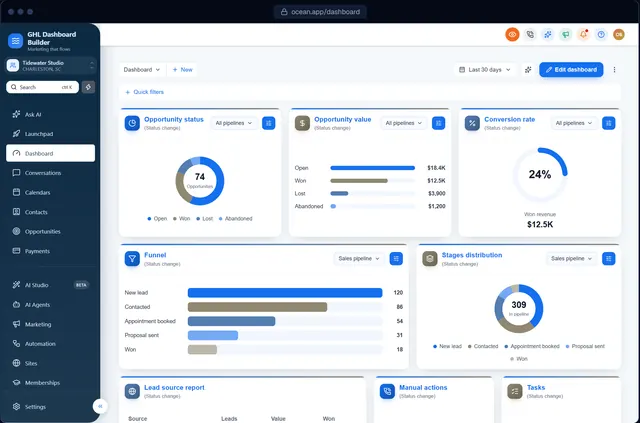
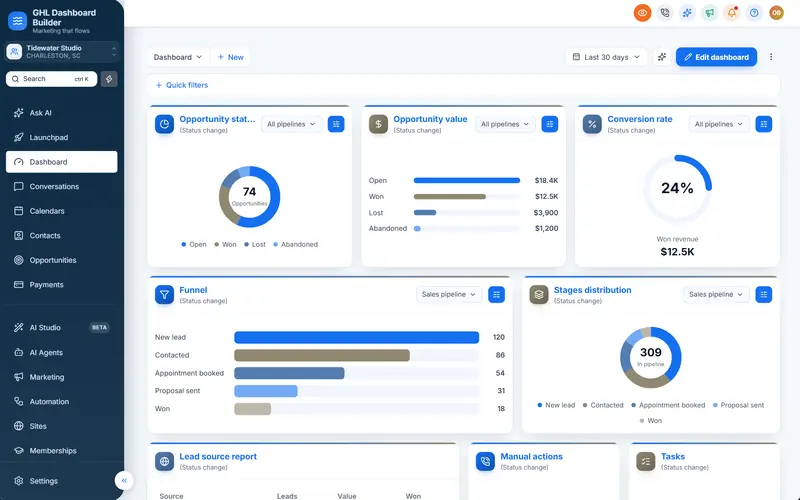
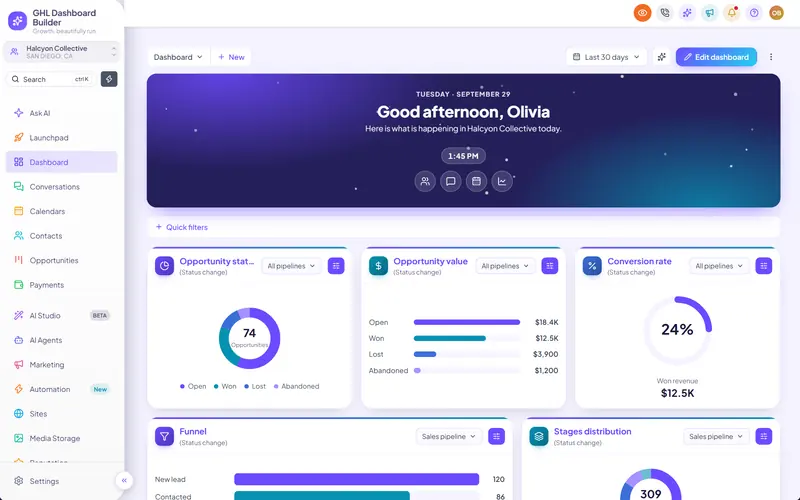
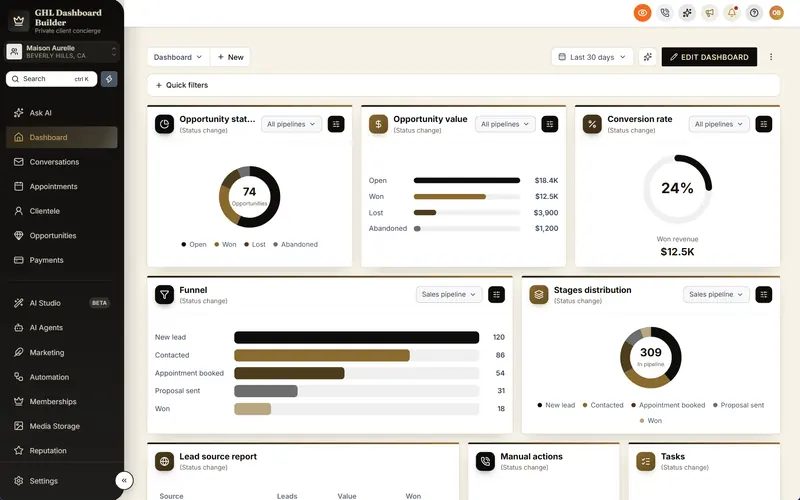
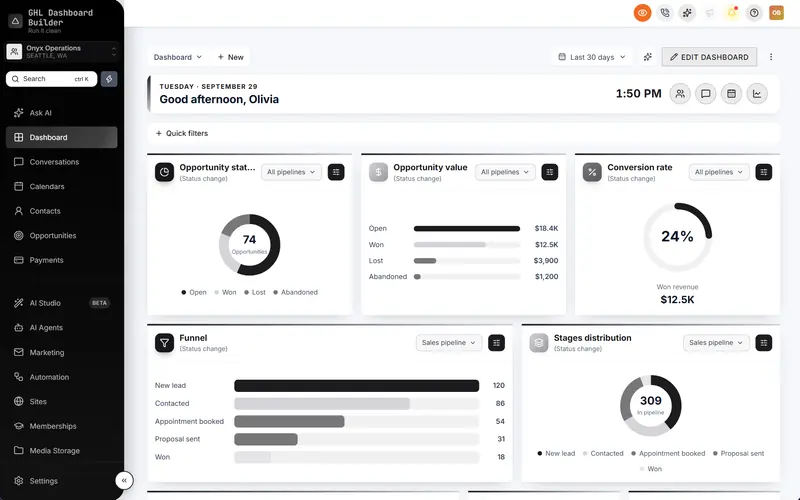
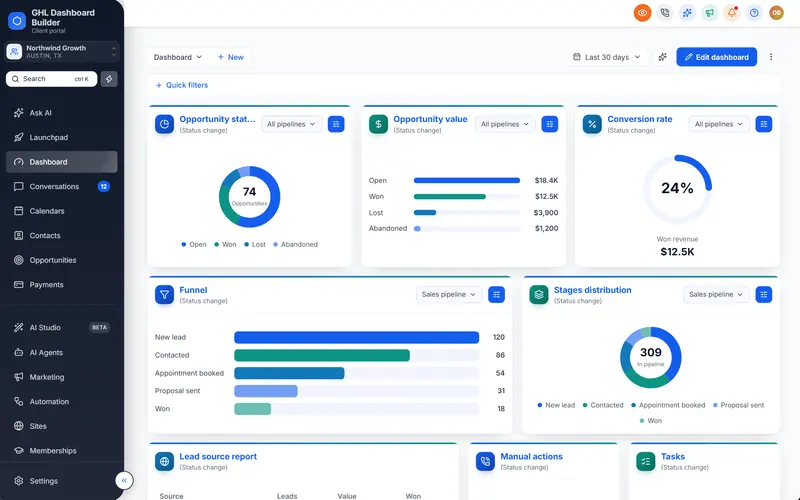
Live counts on HighLevel's menu
Real numbers from the account, right where people look: unread conversations on Conversations, today's appointments on Calendars, and more, refreshed every minute.
Included from the Starter plan · Installs in HighLevel with two lines
Can HighLevel's menu show unread counts?
HighLevel's menu doesn't show counts on its own. GHL Dashboard Builder adds live badges to the menu and live figures to the welcome banner: unread conversations, appointments today, tasks due, new opportunities and overdue invoices. They read the account's own data and refresh every minute while HighLevel is open.
Last updated
What's included
- Unread conversations on Conversations
- Appointments today on Calendars
- Tasks due on Contacts
- New opportunities this week and overdue invoices
- Live figures in the welcome banner, each opening its page
- Refreshes every minute while HighLevel is open
How it works
Live counts in three steps
Design it free in the builder; nothing changes in HighLevel until it's installed.
- 1
Choose the counts
In the Live updates section, pick which badges appear on the menu and which figures show in the welcome banner.
- 2
Preview them
The preview shows sample numbers in your design, so you can see where each badge sits.
- 3
Install and go
After install, every user sees their own sub-account's numbers, updated every minute.
FAQ
Questions about live counts
Where do the numbers come from?
From the sub-account the user is in, read while HighLevel is open in their browser. Nothing is copied to another service.
Do the counts slow HighLevel down?
No. They load after the page and refresh once a minute in the background.
Ready to make HighLevel look like your own platform?
Try the builder free, then choose a plan to get your install code.