

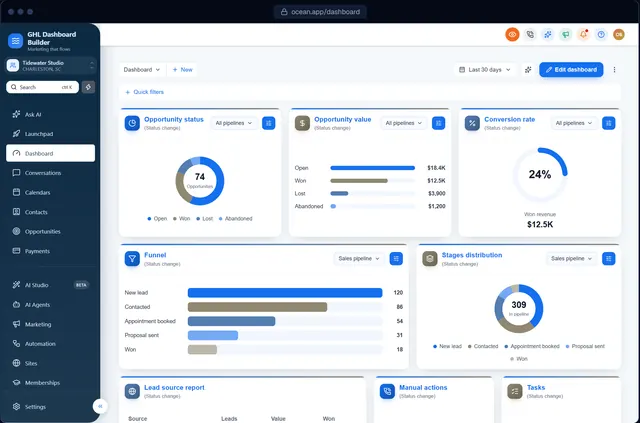
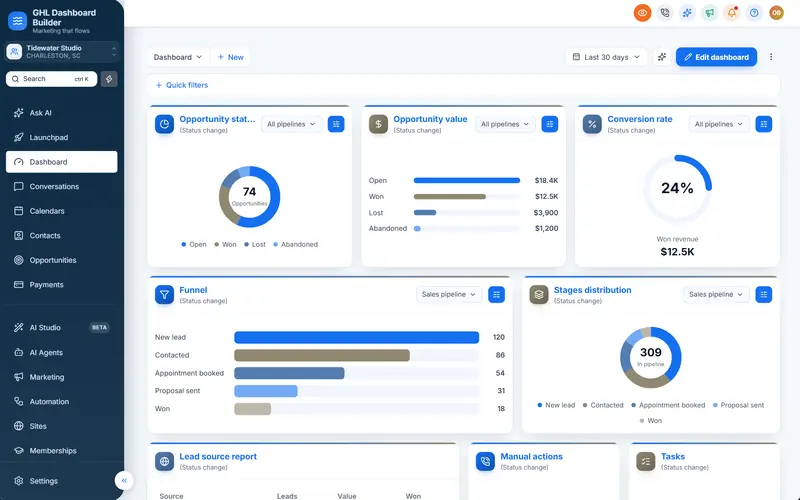
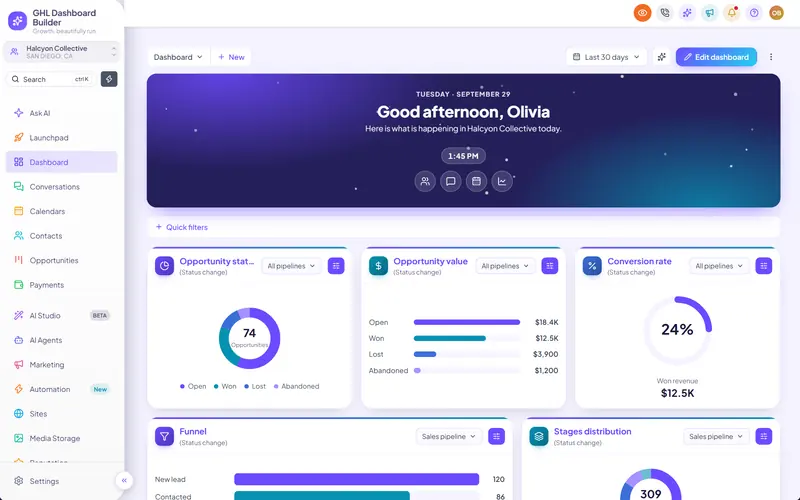
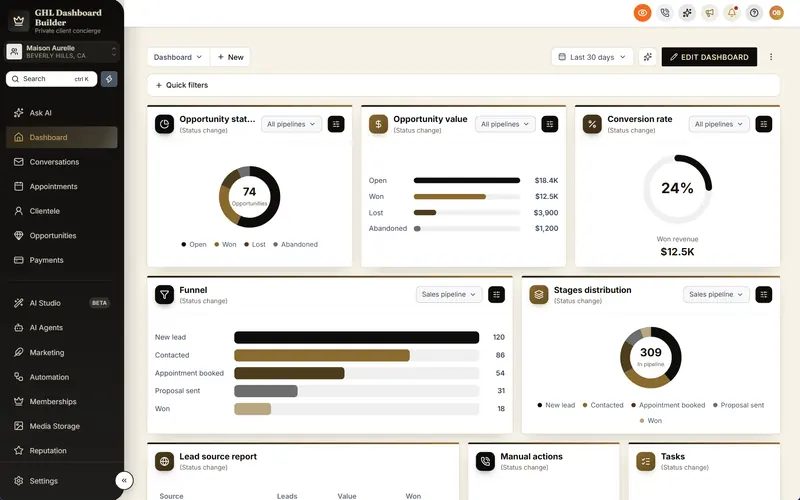
An Opportunities board worth looking at
Branded stage headers and opportunity cards on HighLevel's pipeline board, from 12 board designs or your own colors, with drag and drop working exactly as before.
Included from the Starter plan · Installs in HighLevel with two lines
Can I customize the HighLevel pipeline board?
Yes. GHL Dashboard Builder restyles HighLevel's Opportunities board: stage headers in your brand color as rounded, square, pill, line or gradient shapes, cards with an accent edge, a soft tint or a plain border, your own corners and shadow, or one of 12 board designs. Card sizes stay as HighLevel sets them, so drag and drop works as before.
Last updated
What's included
- Stage headers: rounded, square, pill, line or gradient
- Cards with an accent edge, a soft tint or a plain border
- 12 ready-made board designs
- Your own colors for headers, cards, names and the background
- Card corners and shadow
- Drag and drop works as before
How it works
Opportunities board in three steps
Design it free in the builder; nothing changes in HighLevel until it's installed.
- 1
Pick a board design
Choose one of 12 designs or set the header and card styles yourself.
- 2
Check the board
The preview shows HighLevel's real pipeline board in your design.
- 3
Install
After install, every pipeline in the sub-account uses your board design.
FAQ
Questions about opportunities board
Will it change my pipeline stages?
No. Only how the board looks changes; stages and opportunities stay the same.
Does drag and drop still work?
Yes, card sizes stay as HighLevel sets them.
Ready to make HighLevel look like your own platform?
Try the builder free, then choose a plan to get your install code.