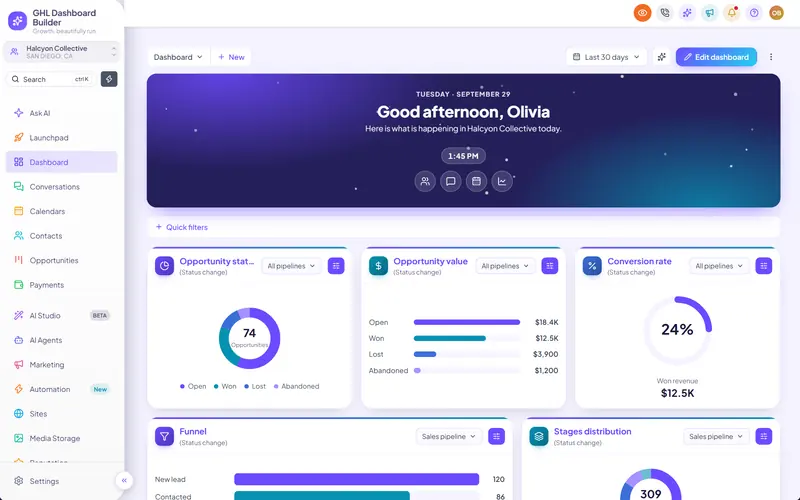
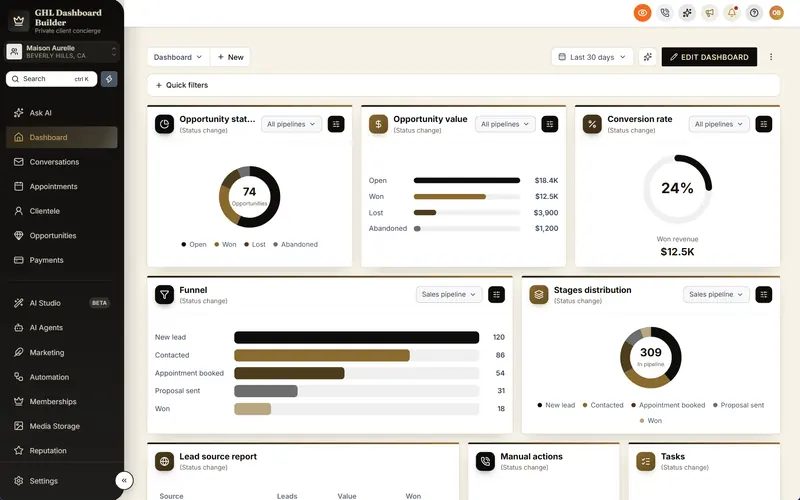
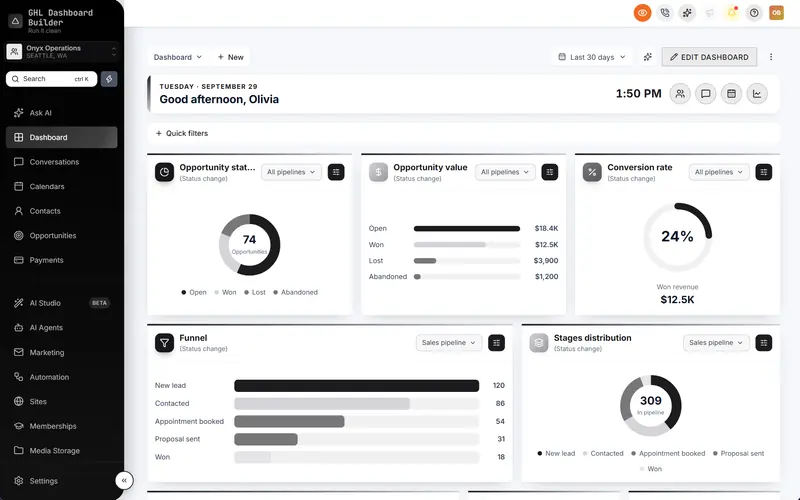
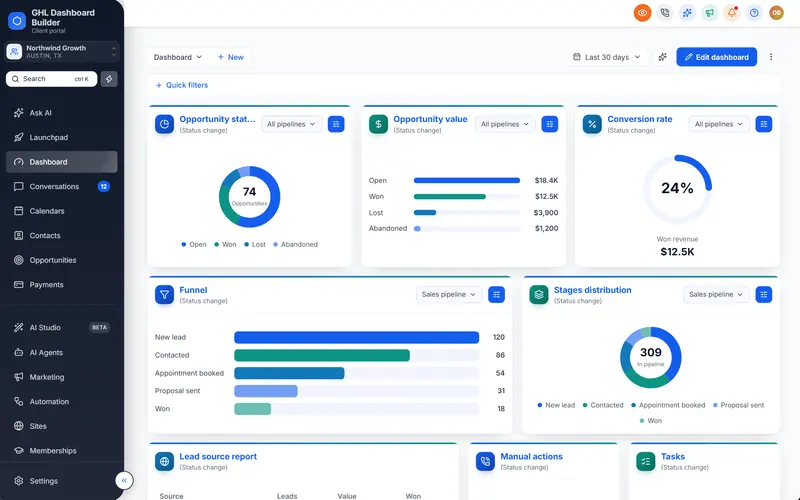
A welcome banner that greets every user by name
The top of HighLevel's Dashboard becomes a greeting: the user's first name, today's date, a clock and quick links to the pages they need, in your brand.
Included from the Starter plan · Installs in HighLevel with two lines
Can I add a welcome message to the HighLevel Dashboard?
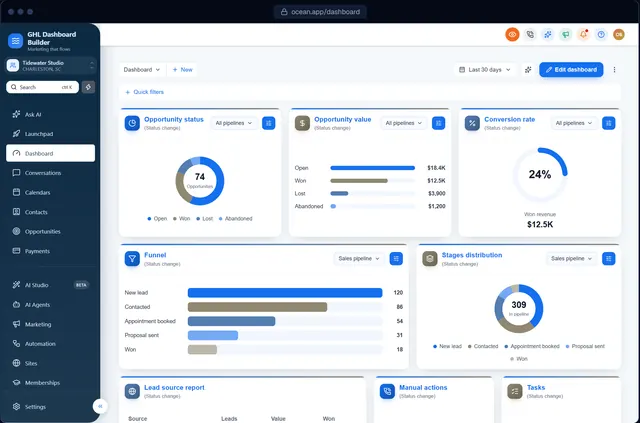
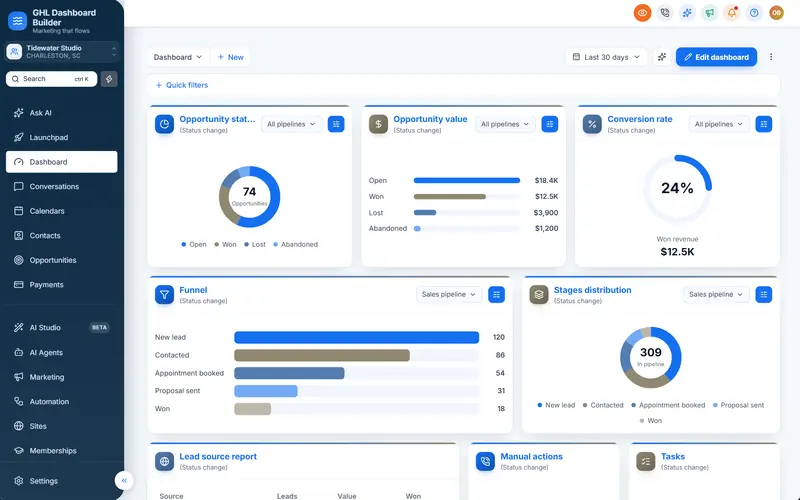
Yes. GHL Dashboard Builder adds a welcome banner to the top of HighLevel's Dashboard with a greeting by first name, the date, a clock and quick links. Pick from 12 designs and 9 layouts, or put your own photo or colors behind it, and choose its height and links.
Last updated
What's included
- A greeting with the user's first name, the date and a clock
- 12 designs, from brand gradients to a soft tint and a gradient frame
- 9 layouts: classic, centred, compact, split, spotlight, hero, tiles, dock and card
- Your own photo with a darkening overlay, or your own colors
- Your own quick links, as labels or icons
- Three heights, and live figures from the account
How it works
Welcome banner in three steps
Design it free in the builder; nothing changes in HighLevel until it's installed.
- 1
Choose a layout
Pick where the greeting, clock and links go.
- 2
Choose a design
Pick a background design, a photo or your own colors, and the height.
- 3
Install
After install, every user is greeted by name on the Dashboard.
FAQ
Questions about welcome banner
Can I change the greeting text?
Yes. Use {greeting}, {name} and {business} in the title and message.
Does the banner replace HighLevel's widgets?
No, it sits above them; your Dashboard widgets stay as they are.
Ready to make HighLevel look like your own platform?
Try the builder free, then choose a plan to get your install code.