

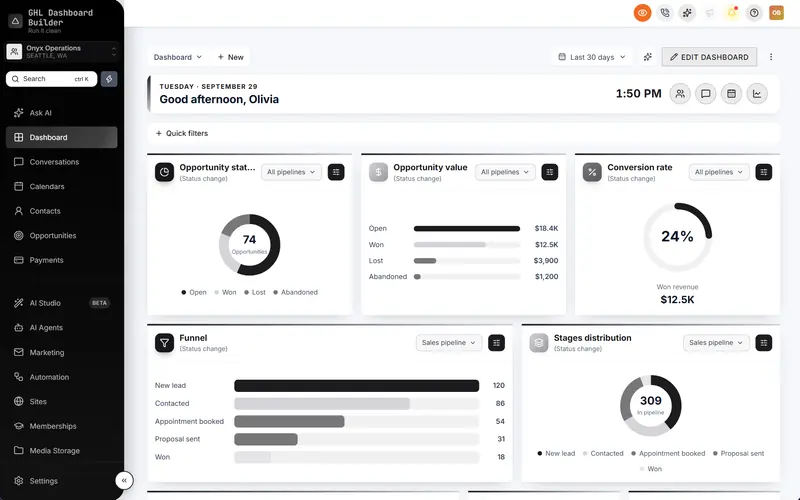
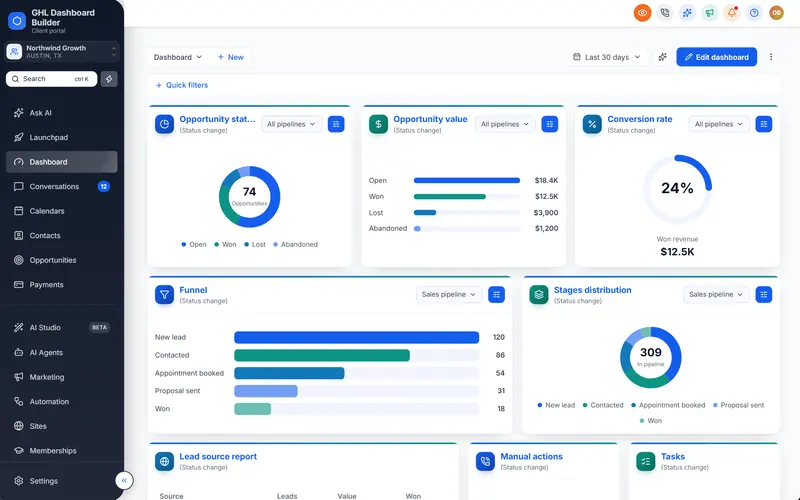
Pin favourite pages to the top of HighLevel's menu
A star in the header pins the page you're on to the top of the menu. Each person keeps their own shortcuts to the pipelines, smart lists and reports they use every day.
Included from the Pro plan · Installs in HighLevel with two lines
Can I add favourites to the HighLevel menu?
HighLevel has no favourites of its own. GHL Dashboard Builder adds a star to the header: click it on any page and that page is pinned at the top of the menu. Each person's favourites are their own, saved in their browser for that sub-account.
Last updated
What's included
- A star in HighLevel's header on every page
- Up to 8 pinned pages at the top of the menu, one click away
- Per person and per sub-account
- Works with renamed and reordered menus
- In your brand colors
How it works
Favourites in three steps
Design it free in the builder; nothing changes in HighLevel until it's installed.
- 1
Turn it on
Switch on favourites in the Live updates section.
- 2
Install
Paste the two install lines into HighLevel.
- 3
Star a page
Each user clicks the star on the pages they use most.
FAQ
Questions about favourites
Are favourites shared with the team?
No, each person keeps their own, in their own browser.
Can I pin a pipeline or a smart list?
Yes, any page you can open in HighLevel can be pinned.
Ready to make HighLevel look like your own platform?
Try the builder free, then choose a plan to get your install code.