

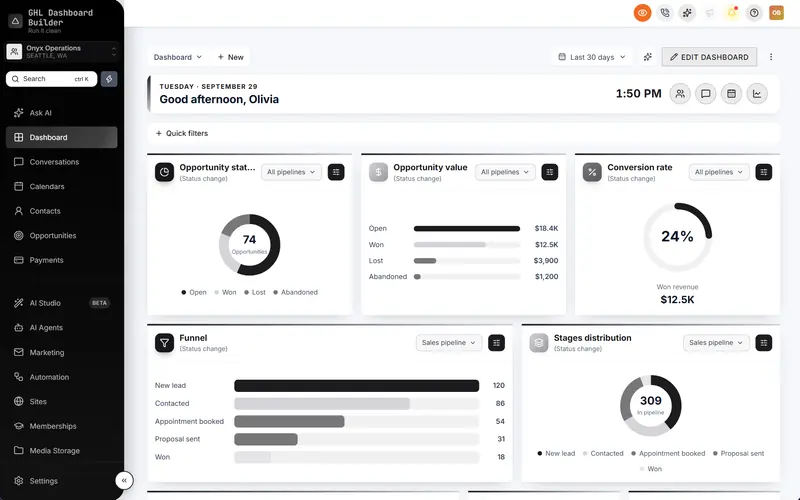
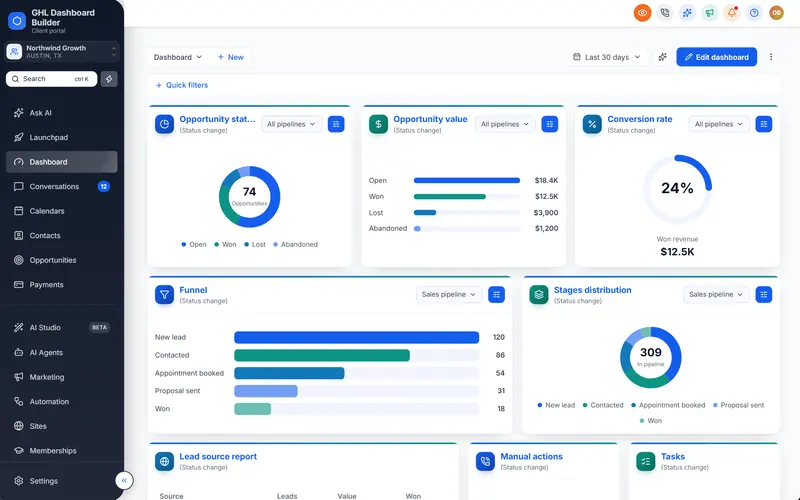
See it on every device before it goes live
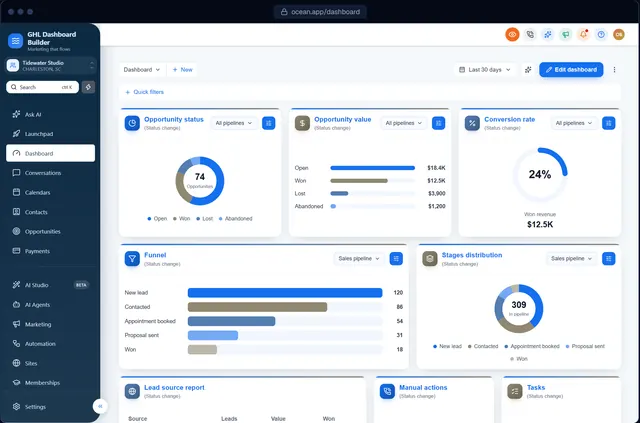
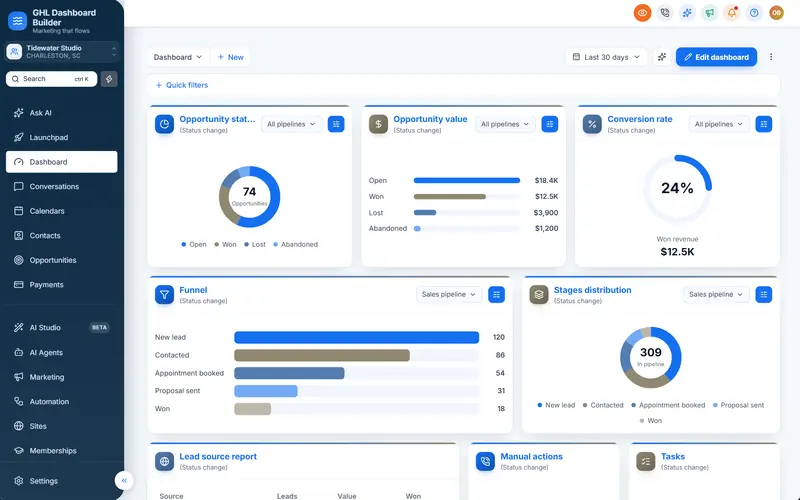
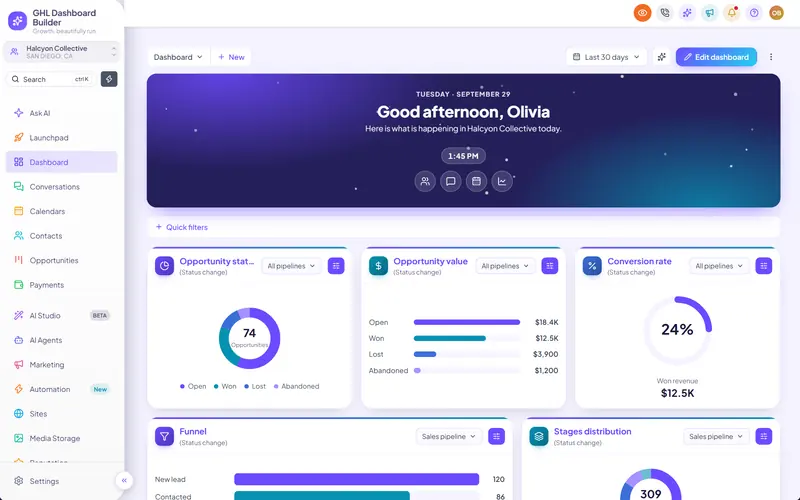
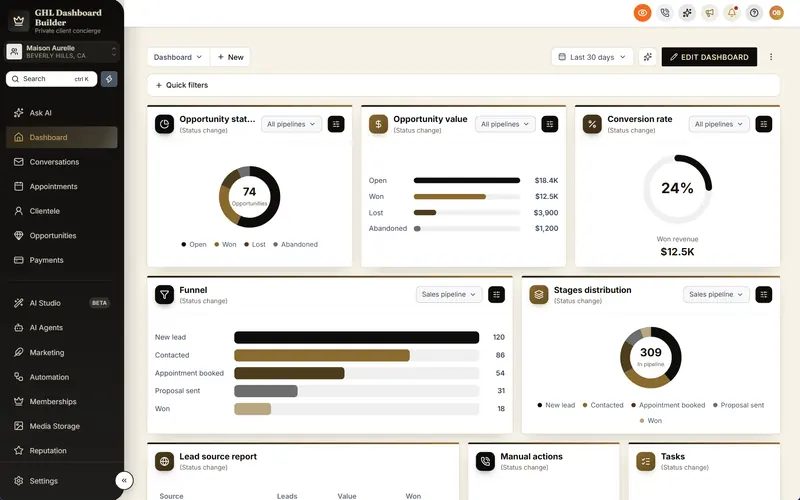
Design on a live copy of HighLevel's own screens and check it on desktop, tablet and phone, before anything is installed in your account.
Included from the Starter plan · Installs in HighLevel with two lines
Can I preview a HighLevel theme before installing it?
Yes. GHL Dashboard Builder shows your design on a live copy of HighLevel's screens: the Dashboard, Contacts, Conversations, Calendars, the Opportunities board and the login page, on desktop, tablet and phone. Click any part of the preview to jump to its settings; nothing touches your account until you install.
Last updated
What's included
- A live copy of HighLevel's screens, not a mock-up
- Desktop, tablet and phone sizes
- The app and the login page
- Click any part to jump to its settings
- Every language, including right-to-left
How it works
Live preview on every device in three steps
Design it free in the builder; nothing changes in HighLevel until it's installed.
- 1
Open the builder
Free, no sign-up: start from a template.
- 2
Switch devices
Check the design on desktop, tablet and phone.
- 3
Install when ready
Nothing changes in HighLevel until you paste the two lines.
FAQ
Questions about live preview on every device
Is the preview the real HighLevel?
It's a copy of HighLevel's own screens, built from the same structure, so your design looks the same once installed.
Ready to make HighLevel look like your own platform?
Try the builder free, then choose a plan to get your install code.