

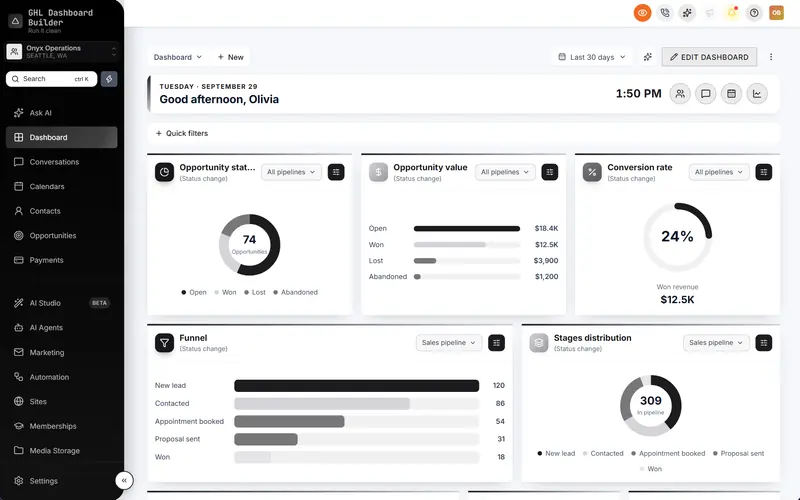
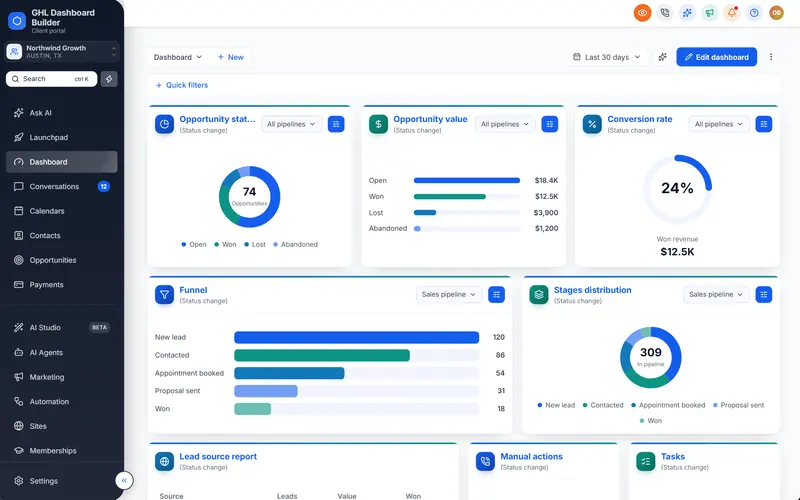
A look for every HighLevel screen
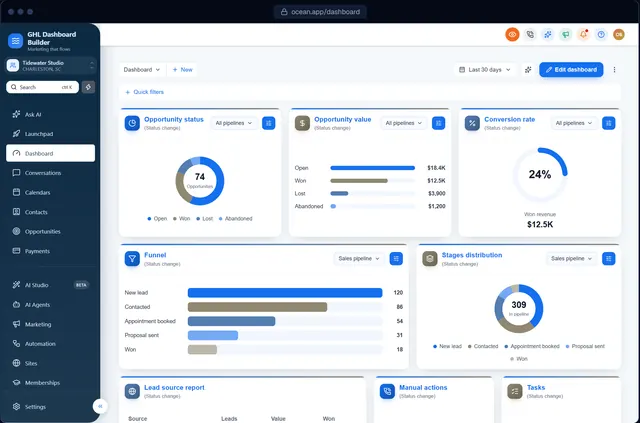
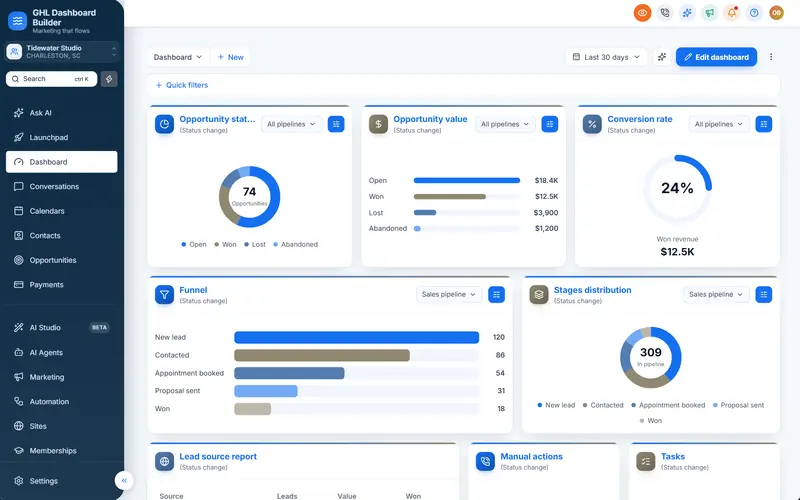
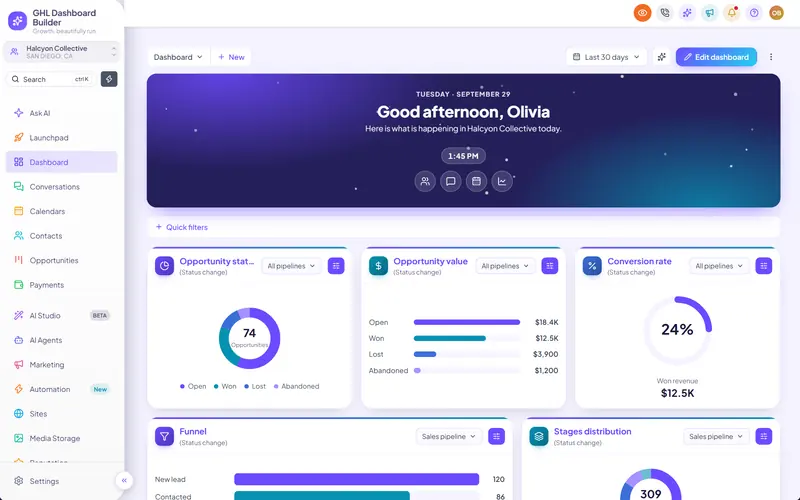
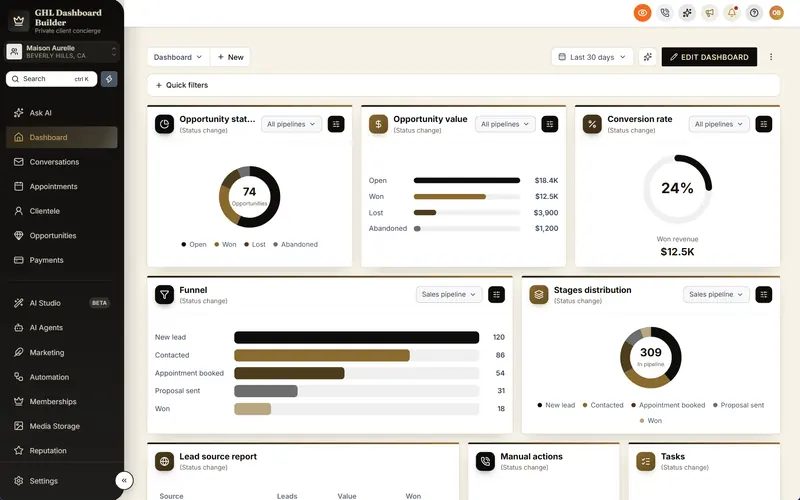
Restyle the parts of HighLevel your team uses all day: page tabs, tables, the Conversations inbox and Calendars, picked from a gallery and installed on HighLevel's own screens.
Included from the Starter plan · Installs in HighLevel with two lines
Can I restyle HighLevel's tables and inbox?
Yes. GHL Dashboard Builder has a look for each HighLevel screen: underline, soft or segmented page tabs; striped, minimal, brand-header or grid tables; brand, soft or rounded chat bubbles in Conversations; and clean or bold Calendars. Each look installs on HighLevel's own parts, with branded scrollbars everywhere.
Last updated
What's included
- Page tabs: underline, soft, segmented, outline or solid
- Tables: striped, minimal, brand header, grid or spacious
- Conversations chat bubbles: brand, soft, rounded or minimal
- Calendars: clean, soft, bold or minimal
- Branded, thin scrollbars on every screen
How it works
A look for every screen in three steps
Design it free in the builder; nothing changes in HighLevel until it's installed.
- 1
Open Screens
Pick a look for tabs, tables, the inbox and Calendars from the gallery.
- 2
Check each screen
Jump between Contacts, Conversations and Calendars in the preview.
- 3
Install
Paste the two install lines; each screen picks up its new look.
FAQ
Questions about a look for every screen
Does it change how the screens work?
No, only how they look. Filters, sorting and actions work as before.
Ready to make HighLevel look like your own platform?
Try the builder free, then choose a plan to get your install code.