

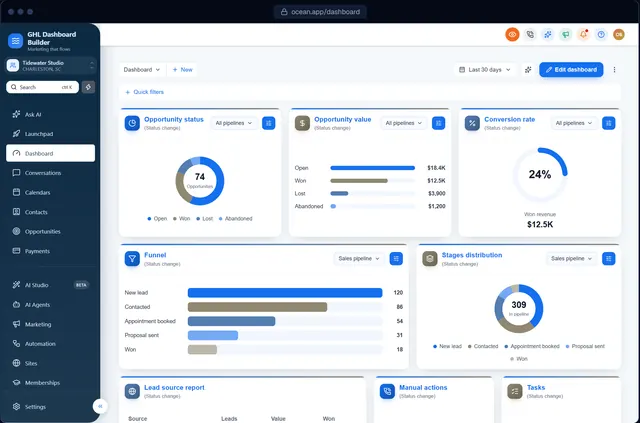
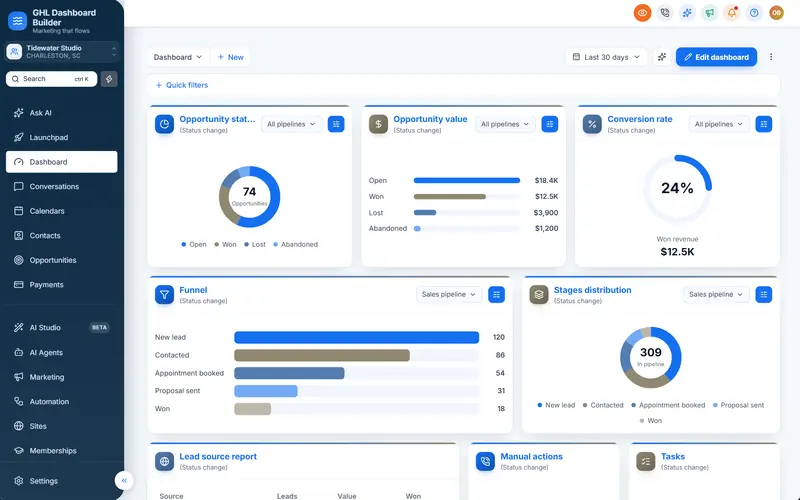
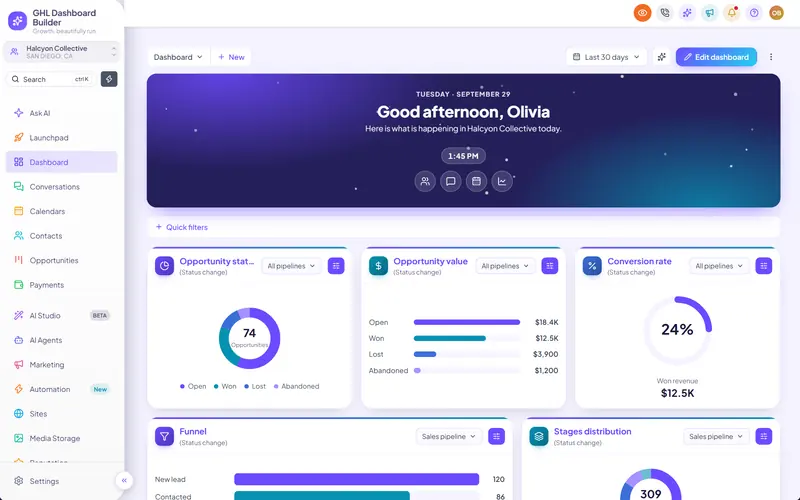
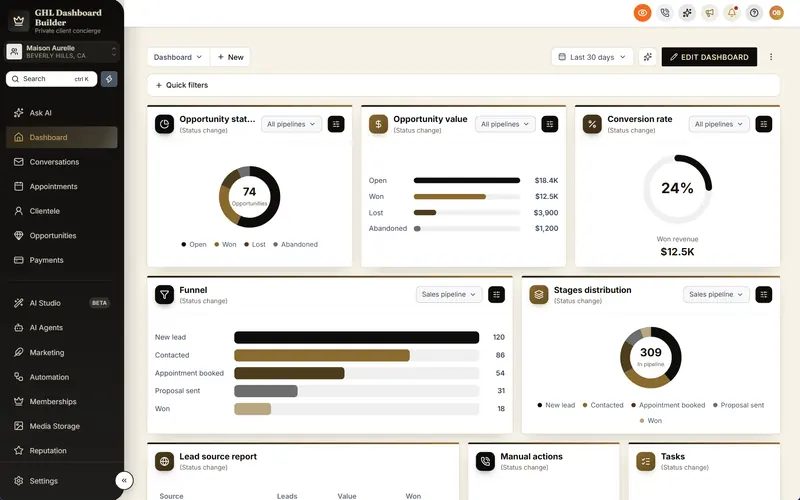
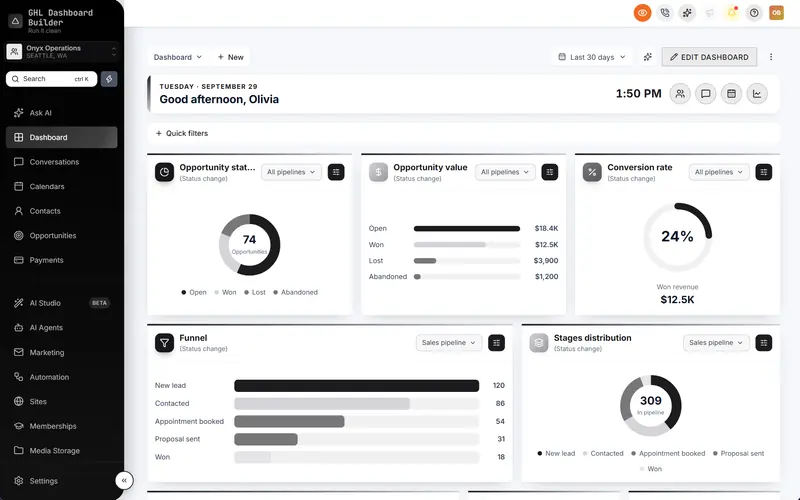
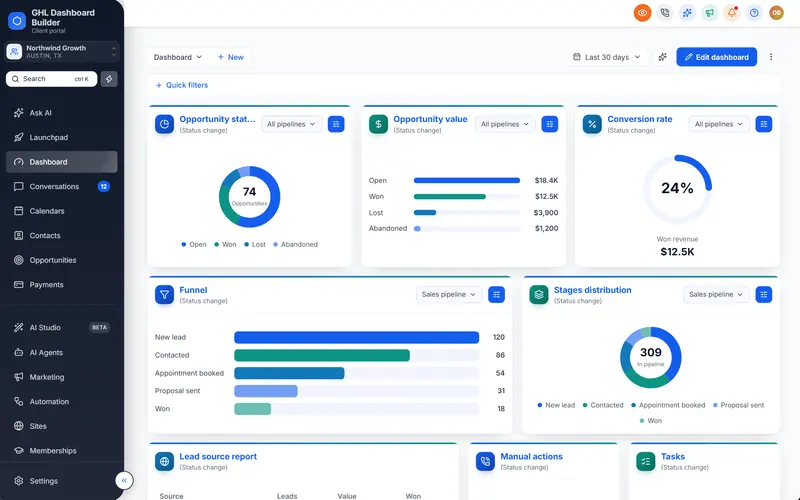
HighLevel's menu in a bar across the top
Swap the sidebar for a top bar: the main sections across the top, a More menu for the rest and a Settings mega menu, with every page at full width.
Included from the Pro plan · Installs in HighLevel with two lines
Can I move the HighLevel menu to the top?
Yes. GHL Dashboard Builder's top bar templates move HighLevel's menu into a bar across the top of the screen, with a More menu for the remaining sections and a Settings mega menu. Pages get the full width, and the menu keeps your renames, order and colors.
Last updated
What's included
- The main sections in a bar across the top
- A More menu for the rest
- A Settings mega menu
- Pages at full width
- Keeps your menu renames, order and colors
How it works
Top navigation in three steps
Design it free in the builder; nothing changes in HighLevel until it's installed.
- 1
Pick a Top bar template
Start from a Top bar template, or switch the layout to top bar in your design.
- 2
Arrange the menu
Rename, reorder or hide menu items; the bar follows your order.
- 3
Install
Paste the two install lines; HighLevel opens with the menu across the top.
FAQ
Questions about top navigation
Does the top bar work in every sub-account?
Yes, in every sub-account the design applies to.
Can I switch back to the sidebar?
Yes, change the layout in your design and deploy again.
Ready to make HighLevel look like your own platform?
Try the builder free, then choose a plan to get your install code.