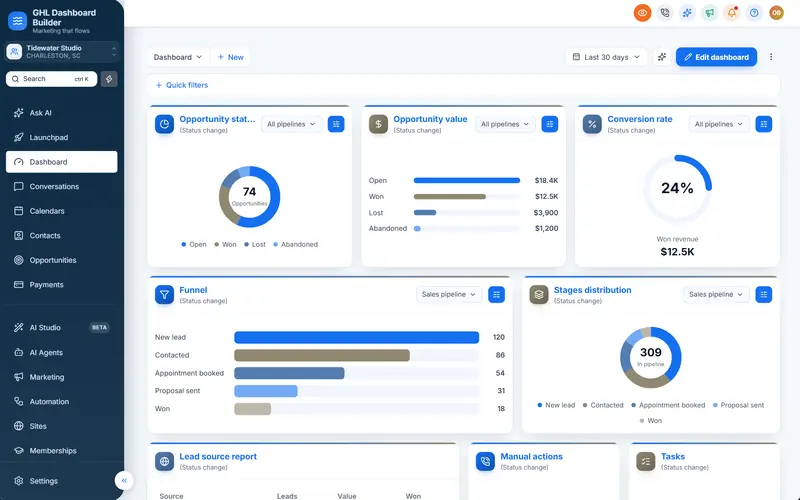
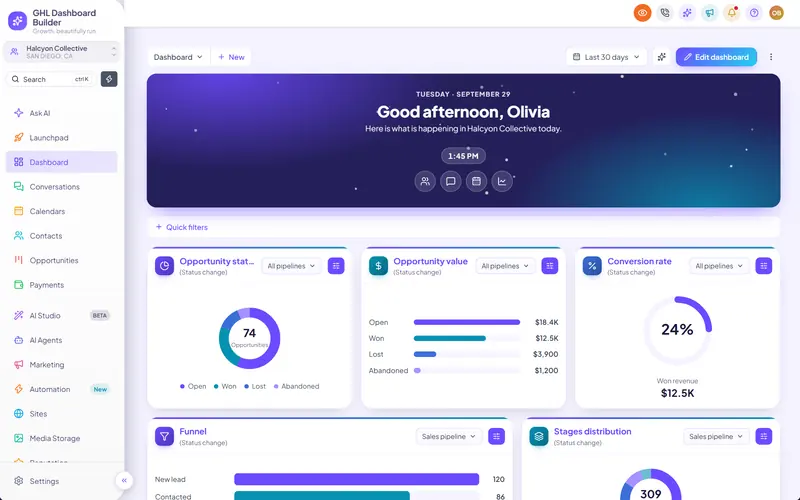
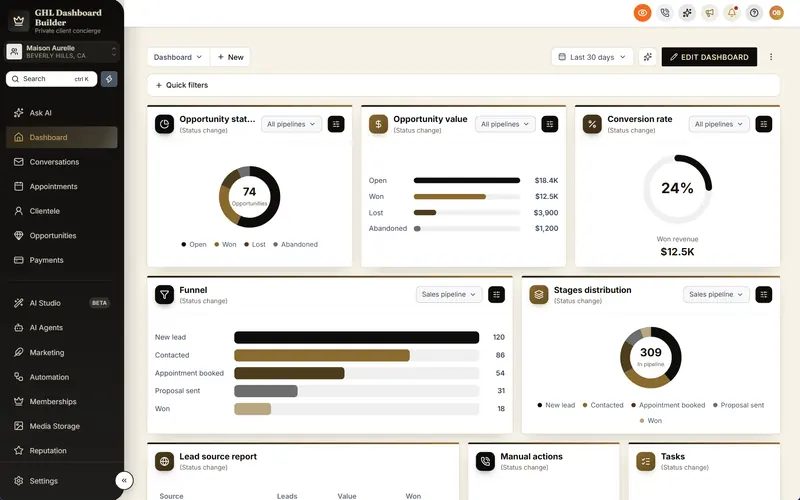
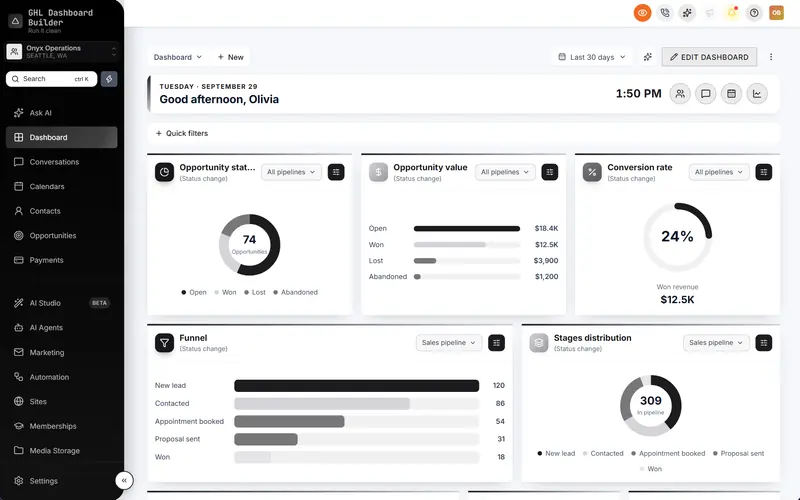
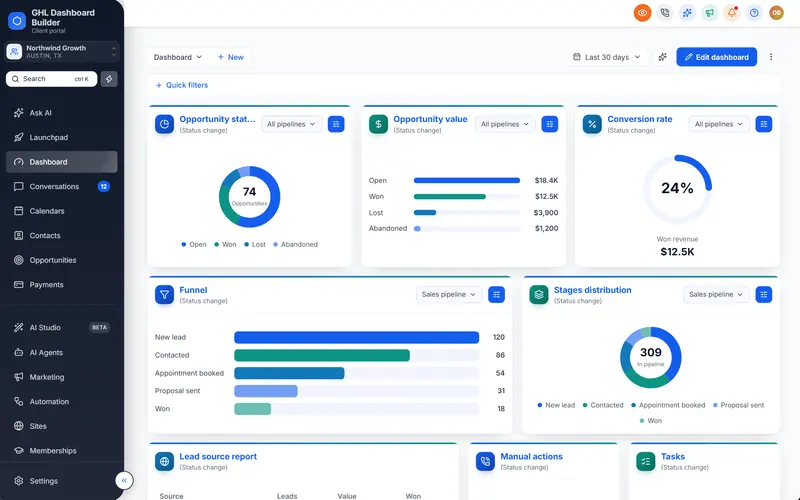
A roofing contractor in Phoenix sits through three agency pitches in one week. All three show the same software: the same gray sidebar, the same menu that says Opportunities where the contractor says Jobs, the same login screen with a different logo on top. The contractor picks the cheapest, because from the outside nothing else was different. That is the daily reality of selling a white-label CRM in the largest HighLevel market.
This guide is for anyone running a GoHighLevel white label agency in the USA, or serving American clients from abroad. It explains what makes the US market specific in HighLevel (also called GoHighLevel or GHL): why branding matters more here, the conventions and time zones a US sub-account needs, Spanish for bilingual teams, sales tax, A2P 10DLC texting, TCPA and CAN-SPAM, HIPAA for healthcare clients, and a step-by-step setup. GHL Dashboard Builder is an independent design service, not affiliated with HighLevel; where our product helps, we say exactly what it does and where it stops.
Why is the US GoHighLevel white label market so crowded?
Because the software is the same for everyone. Many agencies resell HighLevel to the same kinds of small businesses, and HighLevel’s built-in white-label settings only swap the domain, logo and legal links. When every pitch shows the same interface, buyers compare on price unless something visibly sets your platform apart.
The buyers are there. The U.S. Small Business Administration’s Office of Advocacy, in its Frequently Asked Questions About Small Businesses 2026, counts 36,207,130 small businesses in the United States. It reports that small firms make up 99.9% of all US businesses, employ 62.3 million people (45.9% of private-sector workers), produce 43.5% of GDP and pay 38.7% of private-sector payroll.
Source: U.S. Small Business Administration, Office of Advocacy, Frequently Asked Questions About Small Businesses 2026 (February 2026)
Those are the dentists, roofers, med spas, gyms, real estate teams and law firms that HighLevel agencies sell to. Most of them have been pitched a CRM before, and many have used one. They know what generic software looks like, and they can tell when “your platform” is a login page with a logo on someone else’s product.
What buyers compare when the software is the same
When the underlying tool is identical, a US small-business owner judges an agency’s platform on what they see in the first demo and the first week: whether it feels like it was built for their trade, whether their front desk understands the menu, whether the numbers and dates look right, and whether texts and reminders actually go out. Price is the tiebreaker only when nothing else differs.
This is why the white-label settings are the starting point rather than the finish line. Our guide on how to white-label HighLevel covers the identity layer: logo, custom domain, API domain and legal links under Settings, Company, Whitelabel. Everything in this guide assumes that layer is done and asks the next question: what makes a US client choose your platform and stay on it?
What makes a US HighLevel setup different from other markets?
HighLevel’s defaults lean American, so a US setup needs fewer translations and more precision. The differences are in the details: several time zones and daylight saving rules, sales tax by state and locality, carrier registration for business texting, federal and state marketing rules, HIPAA for healthcare, and a large Spanish-speaking workforce.
The table compares the default state of a new HighLevel sub-account with what a typical US client expects. Our United States page shows the same conventions in a live preview: English, USD, month-first dates and a week that starts on Sunday.
| Area | Default HighLevel | What US clients usually expect |
|---|---|---|
| Language | American English | American English, plus Spanish for many front-desk and field teams |
| Wording | Generic CRM terms: Contacts, Opportunities, Calendars | Their trade’s words: Patients, Jobs, Listings, Members, Matters |
| Currency | Follows the business address unless set | US dollars, written $1,234.56 |
| Dates and time | US-style in many places | Month first (10/29/2026) and a 12-hour clock (2:30 PM) |
| Week | Often starts on Sunday | Starts on Sunday |
| Time zone | Whatever the account was created with | The client’s own zone, with daylight saving rules that vary |
| Tax on invoices | No tax unless you add one | Sales tax by state and locality, or none |
| Business texting | Needs registration before sending | A2P 10DLC brand and campaign approved before launch |
| Marketing rules | Not checked by HighLevel | TCPA for calls and texts, CAN-SPAM for email, state privacy laws |
| Healthcare data | Not HIPAA compliant by default | A HIPAA add-on and agreement where patient data is involved |
Two kinds of US agency
There are two common HighLevel agency models in the US, and this guide serves both. The first is the niche agency: one trade, many clients, such as a roofing marketing agency or a dental growth agency. For them, the right industry wording, one strong template and fast onboarding matter most, because every new client should look like the last.
The second is the generalist or SaaS-mode agency serving many industries, often across several states. For that model the risk is copying one setup everywhere: a sub-account built for a client in New York carries Eastern time, New York sales tax and a dental menu into a gym in Denver. Treat each client’s sub-account as its own small market and set it up deliberately.
How does GHL Dashboard Builder help a US agency stand out?
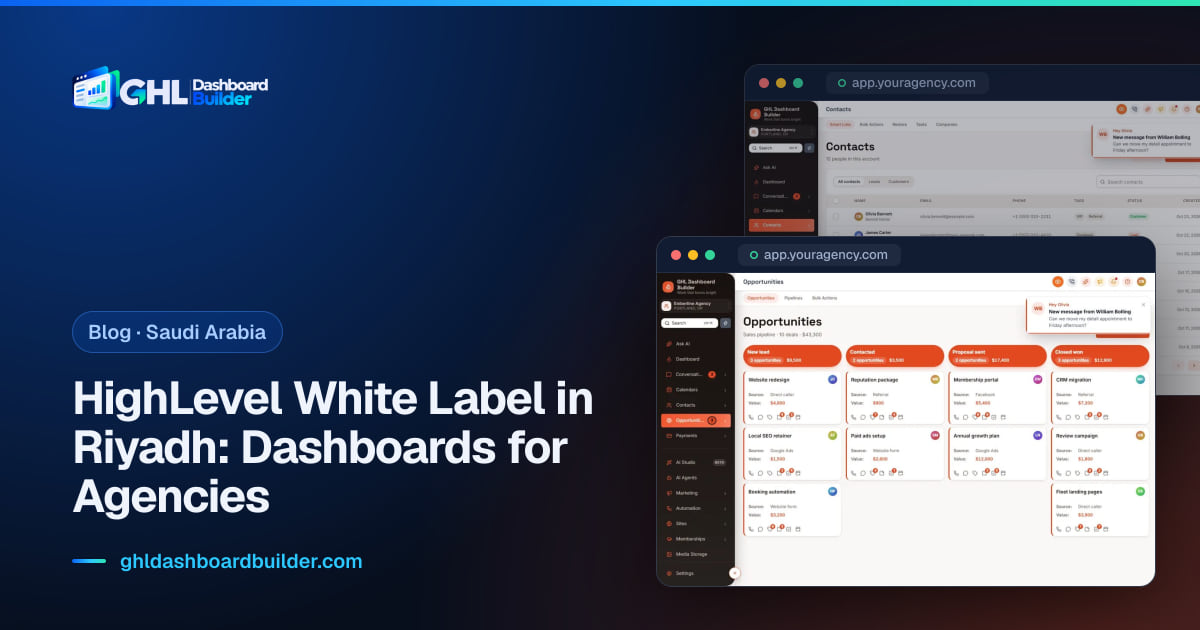
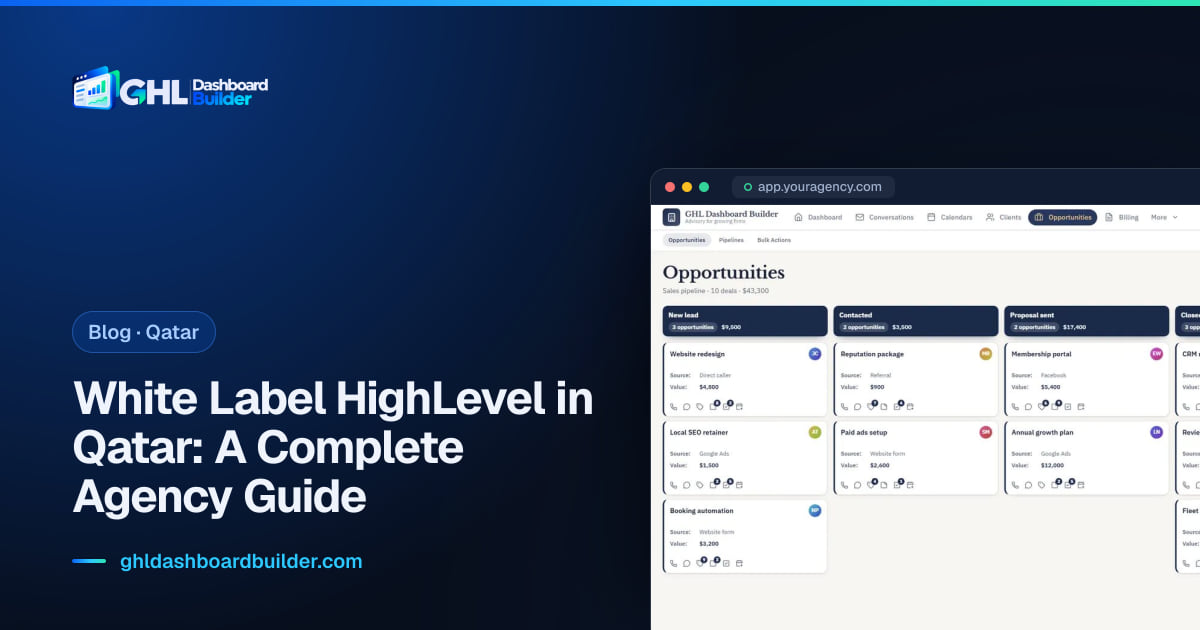
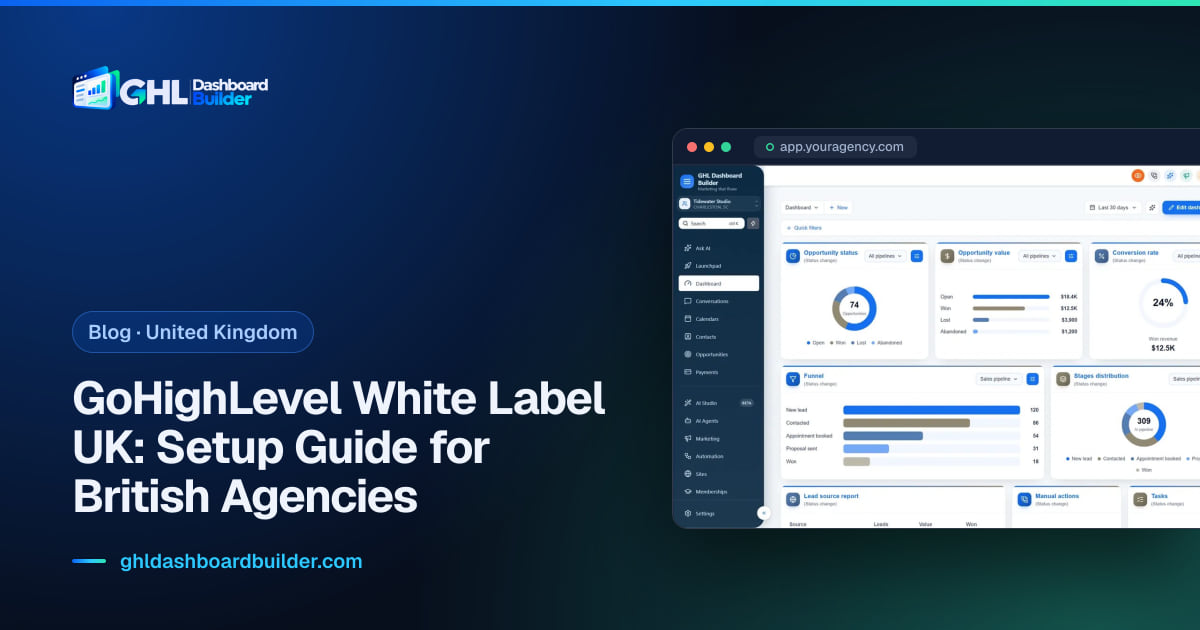
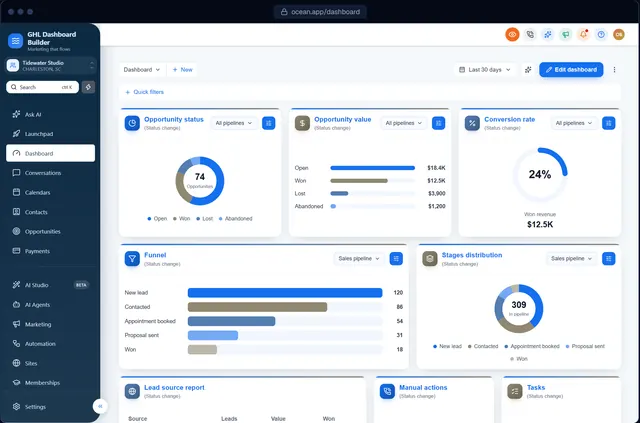
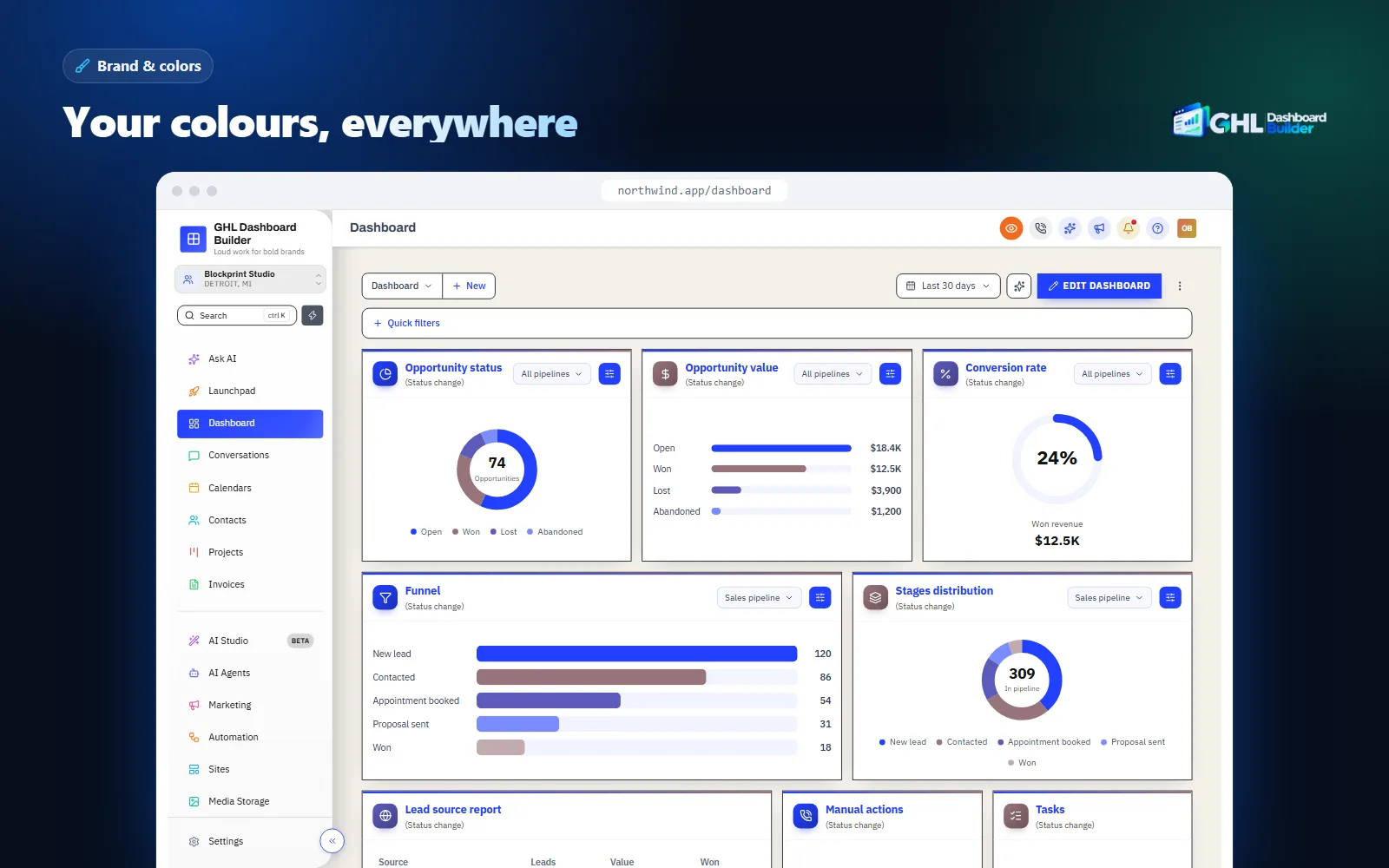
GHL Dashboard Builder gives your HighLevel a look no other agency’s platform has: your colors and fonts across the interface, the client’s industry words on the menu, Spanish for teams that need it, a branded welcome screen and login, and privacy mode for demos. It installs as one CSS line and one JavaScript line.
GHL Dashboard Builder is an independent design service that turns the standard HighLevel (GoHighLevel) dashboard into a branded platform: your colors, menu, login design, privacy mode and your clients’ language, installed with two lines of code. For a US agency the language is usually English, so the main value is not translation. It is the difference between “another agency reselling HighLevel” and “the platform this agency built for roofers”. The full list of what the product does is on our features page.
The design restyles HighLevel’s interface in the browser. HighLevel’s own white-label settings still handle your domain, logo and mobile app, and HighLevel’s settings still handle time zones, currency, tax and texting. That split matters: the theme is what clients see every day, the settings are what make the account work correctly.
What a US setup usually includes
- Brand, colors and fonts. A full color system for the sidebar, header, surfaces, buttons and status colors, plus fonts and favicon, so your platform does not look like every other agency’s.
- Menu editor. Rename, reorder and hide any of HighLevel’s 19 menu items, add New and Beta labels and your own custom items, so a roofer sees Jobs and a dentist sees Patients.
- Templates. Finished designs to start from. Our United States page suggests Ocean for a refined, general look, Estate for real estate teams and Forge for gyms and trainers.
- Welcome banner. A greeting with the user’s first name, the date, a clock and quick links on the Dashboard, in 12 designs and nine layouts.
- Languages. 15 menu languages, including Spanish, with your own wording for any label.
- Single sub-account. Limit a design to chosen sub-accounts, by link or Location ID, while the rest keep their current look.
- Privacy mode. An eye button in HighLevel’s header that blurs contact names, emails, phone numbers, the conversation list and deal values.
- Login page design. From Pro, 25 login designs in your colors for your white-label sign-in page.
At a glance: features, what they do, which plan
| Feature | What it does for your agency’s US clients | Plan |
|---|---|---|
| Brand, colors and fonts | A platform that looks like your product, not a resold tool | All plans |
| Welcome banner, appointments board, live dashboard figures | A first screen that greets the user and shows today’s work | All plans |
| Notification pop-ups | New messages, bookings and payments slide in on any page | All plans |
| Privacy mode | Blurs client data during demos, screen shares and recordings | All plans |
| Single sub-account | A design only for chosen clients, by link or Location ID | All plans |
| Menu editor, favourites, live menu counts | Industry words on the menu and numbers next to what needs attention | Pro and Agency |
| 15 languages, including Spanish | A Spanish menu in your own wording for bilingual teams | Pro and Agency |
| Login page design | A branded sign-in page in 25 designs | Pro and Agency |
| Custom CSS and JavaScript, design files | Your own code on top, export and import of designs | Agency |
What it costs, in US dollars
All three plans are one-time payments in USD with no monthly fee. Starter is $280 for one design, Pro is $480 for up to 3 designs with the menu editor, login page and 15 languages, and Agency is $880 for up to 100 designs, a look designed by our team, custom code and lifetime updates. Every plan adds a one-time $100 setup fee, for which we install the design in your HighLevel, configure it and check every screen. Starter and Pro include 12 months of updates, then optional at $99 a year. Current details are on the pricing page.
Infographic
A US agency's marketby the numbers
36.2M
small businesses in the United States, 99.9% of all US firms
(SBA Office of Advocacy, 2026)
5
states with no statewide sales tax: Alaska, Delaware, Montana, New Hampshire, Oregon
(Tax Foundation, midyear 2026)
19
HighLevel menu items you can rename into a client's trade words
(GHL Dashboard Builder)
$280
one-time Starter plan, plus a one-time $100 setup fee, no monthly fee
(GHL Dashboard Builder pricing, October 2026)
Sources: SBA Office of Advocacy, Frequently Asked Questions About Small Businesses 2026; Tax Foundation, State and Local Sales Tax Rates, Midyear 2026; GHL Dashboard Builder product and pricing.
What the client sees afterwards
After installation, a user in a US client’s sub-account logs in on your white-label domain and sees the sidebar in your colors, labels such as Jobs, Customers and Estimates, and a welcome banner with their first name and today’s appointments. When they open a deep settings page or a builder, they see HighLevel’s own text. Their data, permissions, workflows and phone numbers do not change. If you have more than one look in mind, our guide on how to make GoHighLevel look like your own software walks through twelve concrete fixes in order of impact.
Which wording should a US client’s GoHighLevel menu use?
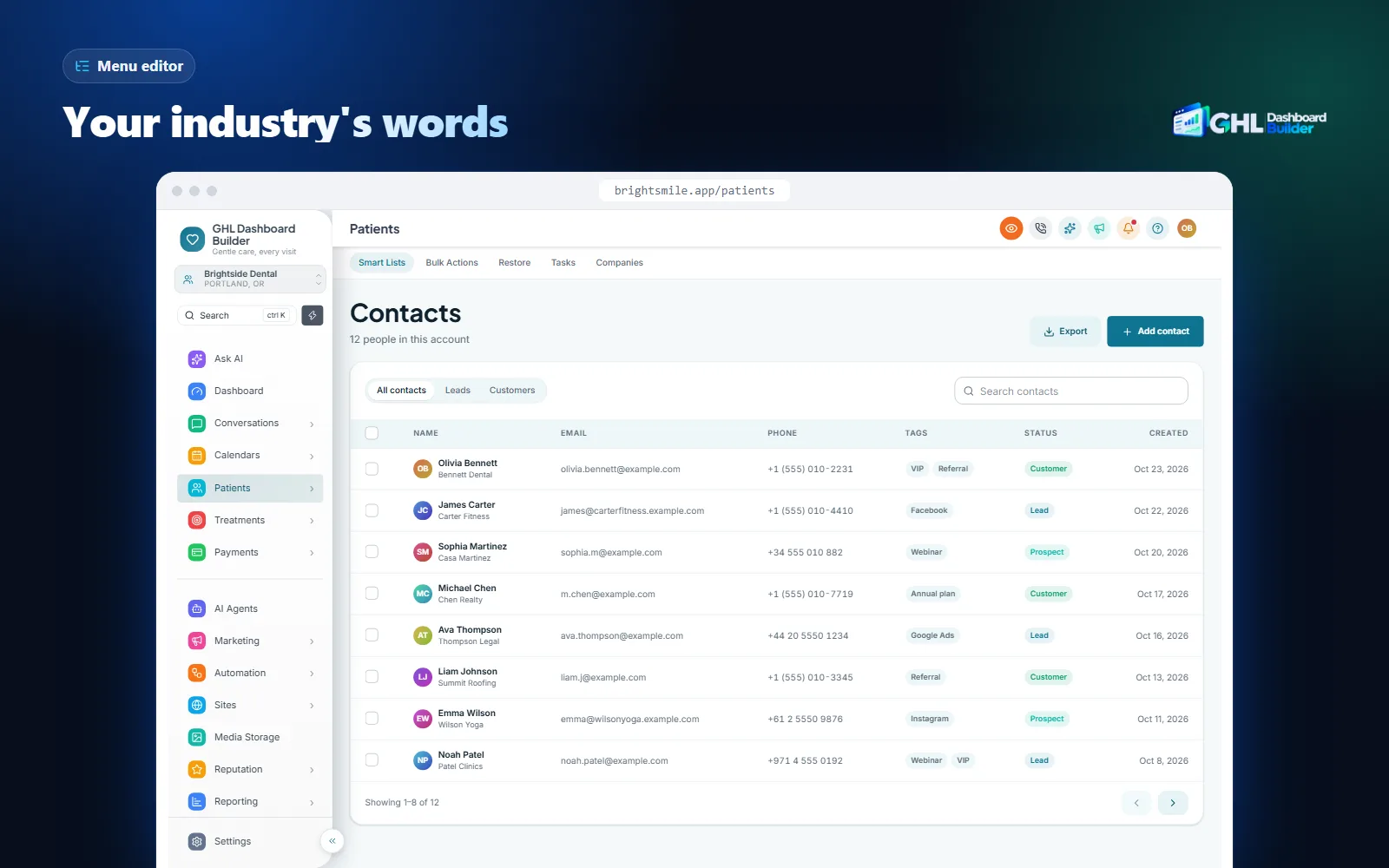
The client’s own trade words, in American English. A roofer thinks in jobs and estimates, a dental office in patients and appointments, a brokerage in listings and showings. HighLevel’s menu uses generic CRM terms for everyone, which adds a small translation step to every click a front-desk user makes.
Wording is where niche agencies win in the US. A roofing agency that shows a roofer a menu reading Leads, Jobs, Estimates and Crew looks like it built software for roofing. A generalist agency showing Contacts and Opportunities looks like it is reselling a tool. The functionality is identical; the first impression is not.
| Industry | HighLevel’s word | What US clients usually call it | Template to start from |
|---|---|---|---|
| Dental and medical | Contacts | Patients | Clinic |
| Roofing, HVAC, home services | Opportunities | Jobs | Roofline |
| Real estate | Opportunities | Listings | Estate |
| Gyms and fitness | Contacts | Members | Forge |
| Law and finance | Opportunities | Matters | Counsel |
| Med spas and salons | Calendars | Bookings | Serene |
| Solar | Contacts | Homeowners | Solstice |
| Auto detailing | Opportunities | Bookings | Shine |
The renames above come from our industry templates. Each can be changed again in the builder, so if a client says “clients” instead of “patients”, that is one field to edit. Keep the words short: HighLevel’s sidebar has limited width, and labels such as “Prospective Homeowners” wrap or get cut on smaller laptops.
Hide what a client does not use
Renaming is half the job. A small HVAC company may never use Memberships, Communities or Affiliate Manager, and every unused item is one more thing for a new hire to ask about. The menu editor can hide items for the sub-accounts you choose, and reorder the rest so the daily pages (Conversations, Calendars, Jobs) sit at the top. Hiding an item in the menu is a matter of design, not permissions: users with access can still reach the page by its address, so use HighLevel’s user roles for anything that must be restricted.
Our step-by-step guide to renaming GoHighLevel menu items covers the wording decisions in detail, including which items agencies rename most and how to test the labels with the client’s team.
Should US clients get a Spanish dashboard?
For many US clients, yes, at least for some users. Spanish is the most common language spoken at home after English in the United States, and many front-desk, field and service teams work in it daily. HighLevel already offers Spanish as a platform language; a branded design adds a Spanish menu in the client’s own words.
The numbers are large. The U.S. Census Bureau reported that nearly 68 million people spoke a language other than English at home in 2019, with Spanish by far the largest group at about 42 million speakers. In its 2025 release of detailed language tables for 2017 to 2021, the Bureau put the share of people age 5 and older who spoke a language other than English at home at 22%, and about 61% of them spoke Spanish.
That does not mean every client wants a Spanish dashboard. Many Spanish speakers in the US also speak English very well and are comfortable in English software. The question to ask the client is practical: who logs in every day, and which language do they work fastest in? A landscaping company whose crew leads update jobs from a tablet may want Spanish; the same company’s office manager may prefer English.
Native Spanish versus a branded Spanish menu
HighLevel lets each user switch the platform language, and Spanish is one of the languages it offers. That covers a lot of HighLevel’s own screens. What it does not do is use the client’s words: the native Spanish menu says the Spanish for Contacts and Opportunities, not “Pacientes” or “Trabajos” chosen by the business.
GHL Dashboard Builder’s language feature, from the Pro plan, translates the menu and navigation into Spanish (one of 15 languages) and lets you set your own wording for any label. Text inside HighLevel’s own pages, builders, system emails and the mobile app follows HighLevel’s language settings, so the honest pitch is “the menu and navigation in your words”, not “all of HighLevel in Spanish”. Our Spanish GoHighLevel dashboard guide compares the two options screen by screen.
One install, both languages
Many US agencies need English for most clients and Spanish for a few. A design can be limited to chosen sub-accounts, so the Spanish menu appears only where the client asked for it. On Pro you can keep up to three designs, for example one English design for most clients and one Spanish design for the clients whose teams work in Spanish.
How should time zones, dates and dollars be set for US sub-accounts?
Set every sub-account to the client’s own time zone and to US dollars before you build calendars, products or invoices. The US spans several time zones with daylight saving rules that differ by state, and copying the agency’s own settings into a client in another state is the most common cause of reminders sent an hour or three off.
Time zones and daylight saving
HighLevel sets the sub-account’s time zone in the Business Profile. HighLevel’s article on Business Profile general information lists it with the business details, and calendars and appointment reminders depend on it. An agency in Miami with clients in Dallas, Denver and San Diego needs four different zones, not one.
Daylight saving time adds a second trap. In 2026, US clocks fall back one hour on Sunday, November 1, and spring forward on the second Sunday in March. Hawaii and most of Arizona stay on standard time all year, while the Navajo Nation in Arizona does change clocks, according to NIST’s daylight saving time page. Choose a named zone such as America/Phoenix or America/Denver rather than a fixed UTC offset, so HighLevel applies the right rule.
Dates, clocks and the week
US users read dates month first (10/29/2026), use a 12-hour clock with AM and PM, and expect calendars that start the week on Sunday. HighLevel’s interface is American by origin, so most screens already match. The places to check are anything your team typed by hand: email and SMS templates, appointment confirmations, custom values and form text. A template copied from a UK or Australian client will say 29/10/2026, which a US customer reads as an impossible date.
Dollars and default currency
HighLevel’s Business Profile has a currency field. HighLevel’s changelog notes that businesses can now set a default currency, and the help article says payments follow it, defaulting to the country of the business address when nothing is chosen. For US clients set USD before you create products, so nothing has to be recreated later.
Sales tax
The US has no national sales tax; states and localities set it. The Tax Foundation’s midyear 2026 table lists five states with no statewide sales tax (Alaska, Delaware, Montana, New Hampshire and Oregon), and notes that local sales taxes in Alaska still apply. Everywhere else, the combined rate depends on the state and the locality, and what is taxable depends on the product or service.
HighLevel’s help center explains how to add taxes to products, invoices and payment flows. Your job as the agency is to ask, not to decide: which states does the client collect tax in, at which rates, and on which services? Then add those rates in the client’s sub-account. Never copy one client’s tax setup to another, and never guess; the client’s accountant owns that answer.
| Setting | Where in HighLevel | What to set for a US client |
|---|---|---|
| Time zone | Settings, Business Profile | The client’s named zone, such as America/Chicago |
| Currency | Settings, Business Profile, Currency | USD, before any products are created |
| Business address and phone | Settings, Business Profile | Matching the client’s registration documents, which A2P registration checks |
| Sales tax | Payments, taxes | Only the rates the client confirms, per state and locality |
| Calendar hours | Calendars, availability | The client’s own opening hours in their own zone |
| Templates | Marketing, emails and SMS | Month-first dates and 12-hour times written out |
What do A2P 10DLC, TCPA and CAN-SPAM mean for a US HighLevel agency?
They decide whether your clients’ texts and emails are delivered and lawful. Business texting from US local numbers needs A2P 10DLC registration, marketing calls and texts fall under the TCPA, and commercial email falls under CAN-SPAM. None of these is handled by a theme; all of them affect how clients judge your platform.
A2P 10DLC: register before the first text
A2P 10DLC (application-to-person messaging over standard 10-digit local numbers) is the carrier system for business texting in the US. HighLevel’s overview of US phone number registrations explains the two parts: a brand registration for the business and a campaign registration for each use case. In each sub-account the work starts under Settings, Phone System, Trust Center, in the A2P messaging card.
Order matters. The brand is approved first, and only then can the campaign be submitted; brand approval alone does not allow sending. Carriers make the final decision, so the business name, address and website in the Business Profile must match the client’s registration documents. Start registration in the first week of onboarding, not the day before launch, and tell the client that missed-call replies and appointment reminders by text depend on it. HighLevel charges registration and monthly campaign fees; check the current amounts in the account before you quote them to a client.
TCPA: consent and calling hours
The Telephone Consumer Protection Act (TCPA) and the FCC’s rules under it govern marketing calls and texts. The FCC’s rule at 47 CFR 64.1200 restricts telephone solicitations to residential numbers before 8 a.m. or after 9 p.m., local time at the called party’s location, and sets consent requirements for automated and prerecorded calls. Some states set stricter windows and their own telemarketing rules.
For a HighLevel setup, that becomes three habits. Collect consent on every form that leads to marketing texts, with clear wording and a link to the privacy policy. Keep promotional workflows separate from appointment reminders. And set send windows in each workflow to the contact’s or client’s local time, not the agency’s, which is one more reason the sub-account time zone must be right.
CAN-SPAM: honest email with a way out
The Federal Trade Commission’s CAN-SPAM compliance guide lists the rules for commercial email: accurate headers and subject lines, identifying the message as an ad where it is one, a valid physical postal address, a clear way to opt out, and honoring opt-outs within 10 business days. The FTC also notes that hiring someone else to send email does not remove the business’s legal responsibility, and each separate non-compliant email can be fined.
In HighLevel, that means a footer with the client’s postal address in every marketing template, the unsubscribe link left on, and imported lists checked before the first campaign. US state privacy laws add more: the IAPP’s US state privacy legislation tracker follows the growing number of states with comprehensive consumer privacy laws. Ask clients who serve customers in those states to confirm their notices with their own adviser.
How do you demo GoHighLevel to US healthcare and legal clients safely?
Use a demo sub-account with sample data where you can, and turn on privacy mode whenever real data could appear. Healthcare, legal and financial clients in the US ask early how their data is protected, and a demo that shows another client’s patient names answers that question badly.
Many US agencies serve healthcare practices, and HighLevel is clear that accounts are not HIPAA compliant by default. HighLevel’s article on HIPAA compliance in HighLevel describes an optional agency-wide HIPAA add-on with a business associate agreement (BAA), listed at $297 per month at the time of writing, and steps to enable it for each sub-account. Agencies serving dental, medical or therapy practices should read it before onboarding a practice that will store patient information. Our guide to HighLevel for dental and medical practices covers that setup.
Demos and support calls are a separate risk. Agencies share screens all day: sales demos to prospects, onboarding calls with a client’s staff, recorded walkthroughs, support sessions. A real contact list, a conversation preview or a deal value can appear on screen in seconds, and a prospect who is a law firm notices.
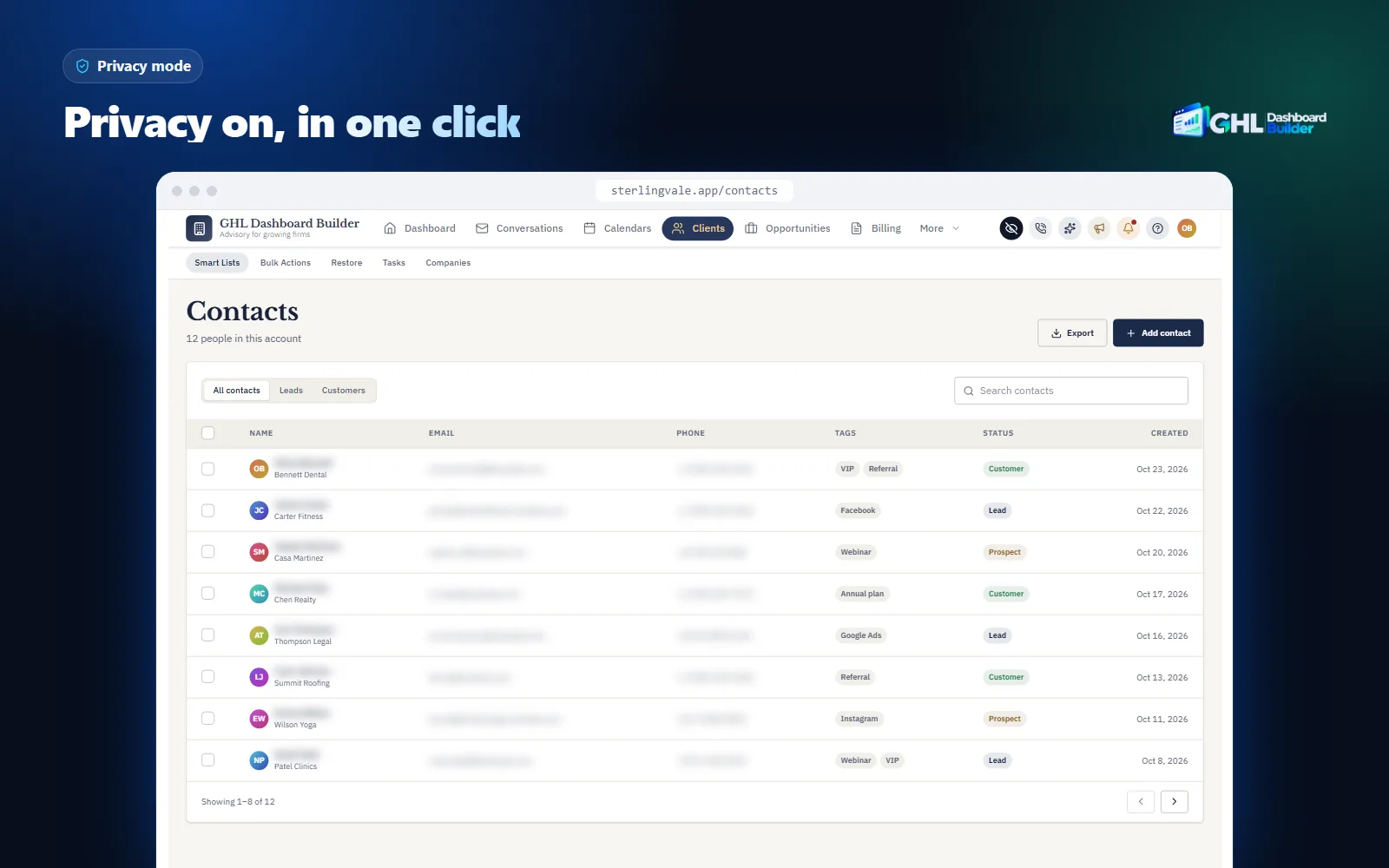
Privacy mode adds an eye button to HighLevel’s header. One click blurs contact names, email addresses and phone numbers in tables, links and fields, the conversation list and opportunity values, at the blur strength you choose. It is part of every plan. It is a display tool, not a compliance tool: it reduces what appears on screen, while HIPAA, client contracts and user permissions still decide who may see what. Our guide to hiding client data in GoHighLevel explains when to use it and how to test it.
How do you set up a white-label GoHighLevel for a US client, step by step?
Finish the identity layer, agree wording, language and tax with the client, prepare the sub-account for their state, register for texting, then install and test the design on one sub-account before rolling it out. The steps assume agency access and that your white-label domain and logo are already set.
Infographic
A US client's branded HighLevelin six stages
- 1
Agree the basics
Users, trade words, language, states and tax.
- 2
Set the sub-account
Time zone, USD, address and phone in Business Profile.
- 3
Register texting
Start A2P 10DLC brand and campaign in the Trust Center.
- 4
Design the look
Colors, menu words and Spanish in the builder.
- 5
Install on one client
Two lines in Custom Code, limited to a test sub-account.
- 6
Test like a user
Menu, dates, reminders, invoices and privacy mode.
Step 1: Agree the basics with the client
- List the people who will log in and what each one does every day.
- Ask for the words they use for customers, deals and appointments, and write the menu labels.
- Ask which language each user works fastest in, and whether anyone needs Spanish.
- Ask which states the business operates and collects sales tax in, and at which rates.
- Ask whether the business handles health information, and if so, discuss HighLevel’s HIPAA add-on before importing data.
- Ask where existing contacts came from and whether they agreed to texts and emails.
Step 2: Prepare the sub-account
- Open the client’s sub-account and go to Settings, Business Profile.
- Check the legal business name, address, website and phone number against the client’s registration documents.
- Set the time zone to the client’s named zone and the currency to USD.
- Add only the sales tax rates the client confirmed, as HighLevel’s taxes article describes.
- Connect the client’s own payment account and send a test payment link.
- Set calendar availability in the client’s own hours.
Step 3: Register for texting
- In the sub-account, open Settings, Phone System, Trust Center.
- Start the A2P brand registration with details that match the Business Profile.
- When the brand is approved, register the campaign with real sample messages and the opt-in wording from the client’s forms.
- Do not launch text workflows until the campaign is approved.
Step 4: Design the look
- Open the free builder and start from a template that fits the trade, such as Roofline, Clinic or Estate.
- Set your brand colors, fonts and logo, and rename the menu items in the client’s words.
- If some users need Spanish, set the menu language and the Spanish labels.
- Turn on privacy mode, and choose a welcome banner design with quick links to the client’s daily pages.
- Check the preview on desktop, tablet and phone.
Step 5: Install on one sub-account
- In the agency view, open Settings, Company, Whitelabel and scroll to Custom Code.
- Copy anything already in the Custom CSS and Custom JavaScript boxes into a text file. That is your rollback.
- Paste the CSS line into Custom CSS and the JavaScript line into Custom JavaScript, then save. HighLevel warns about third-party scripts; confirm only if you trust the code.
- Limit the design to the test sub-account by its link or Location ID.
- Open the test sub-account in a new tab and hard-refresh.
On every plan we do this for you as part of the one-time setup fee, and it takes about 5 minutes once the design is ready.
Step 6: Test like a US user
- Read every menu label aloud with someone from the client’s team.
- Book a test appointment for a date after the next clock change and check the time in the confirmation text and email.
- Create a test invoice and check the dollar amounts, the tax line and the total.
- Send a test text from a registered number and confirm it is delivered.
- Narrow the window to phone width and open the menu.
- Turn on privacy mode and record a short test video to confirm names and numbers are blurred.
For the full list of what to brand before a client’s first login, from the domain to the welcome email, use our GoHighLevel white-label checklist.
Should every US client get the same design?
Not necessarily. A niche agency often wants one design for every client, because they all share a trade. A generalist agency usually needs two or three: one for most clients, one in Spanish, and one for a premium client who pays for their own look. One install can serve all of these.
The mechanism is scope. Each design can cover the whole agency or only chosen sub-accounts, added by link or Location ID. Starter includes one design, Pro up to three and Agency up to 100. The install stays the same two lines; what changes is which sub-accounts show which design. For different looks for many different clients, contact us and we will plan it with you.
That flexibility also suits US agencies that pilot before they commit. Put the new design on your own demo sub-account and one friendly client, collect feedback for two weeks, then roll it out to the rest. The agency view and every other sub-account stay exactly as they were until you add them.
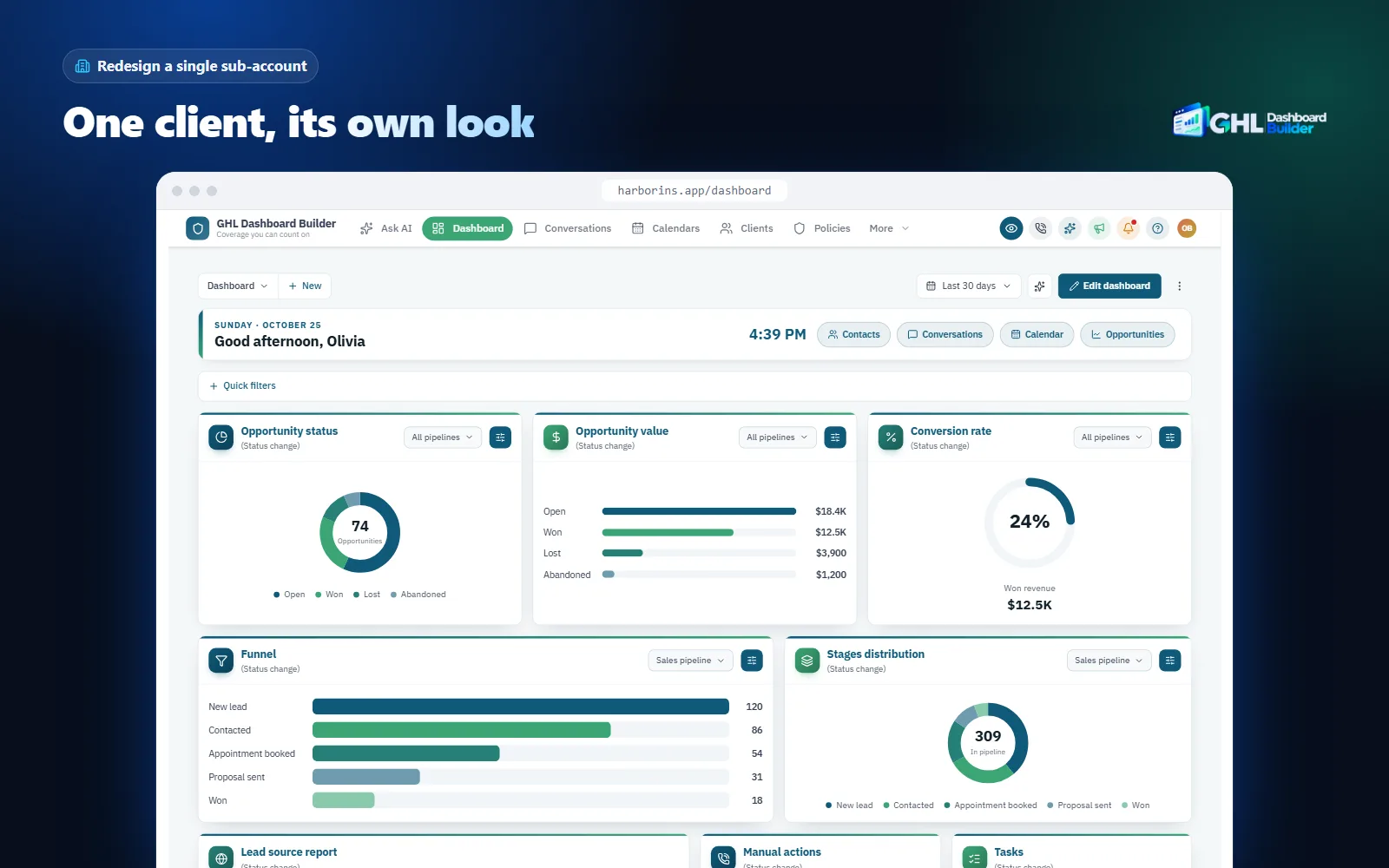
Premium clients are the other use. A multi-location dental group or a large brokerage may want its own brand colors rather than yours, and may pay more for it. Our guide to GoHighLevel sub-account branding explains how to find a sub-account’s Location ID and how to keep each client’s design separate from the rest of the agency.
What can go wrong, and what doesn’t a theme solve?
Most problems in US setups come from settings copied between clients in different states, texting launched before registration, and the expectation that a theme changes everything. Plan for them and tell clients in advance what the design does and does not do.
| Problem | Why it happens | What to do |
|---|---|---|
| Reminders an hour or more off | Sub-account set to the agency’s time zone or a fixed offset | Set the client’s named zone in Business Profile; recheck after each clock change |
| Texts not delivered | A2P brand or campaign not approved, or details that do not match | Match Business Profile to registration documents; start registration in week one |
| Wrong sales tax on invoices | Rates copied from another client or another state | Add only the rates the client confirms for each state |
| Dates written day first | Templates copied from a non-US client | Rewrite templates with month-first dates or the month as a word |
| Products priced in another currency | Products created before USD was set | Set USD first, then recreate the products |
| Patient data in a non-HIPAA account | Practice onboarded before the add-on and BAA | Decide on HIPAA before importing any patient information |
| Some screens stay in English or generic wording | HighLevel’s own pages follow HighLevel’s text | Tell clients the menu is in their words; inner pages may not be |
| Theme loses styling after an update | HighLevel changed a screen | Recheck after releases; keep the previous code for rollback |
There are also limits no theme removes. HighLevel does not officially support custom code, so a platform update can require a theme refresh; that is what the 12 months of updates on Starter and Pro, and lifetime updates on Agency, are for. A theme changes how HighLevel looks in the browser for people who log in. It does not change time zones, currency, sales tax, texting registration, HighLevel’s builders, its system emails or its mobile app. It does not make anyone compliant with HIPAA, the TCPA, CAN-SPAM or state privacy laws; consent, contracts and agreements remain your responsibility and your client’s. Our FAQ answers questions about installation, removal and data: the builder never connects to your HighLevel account, and the installed code does not send data anywhere.
What to do next
- List your US clients and, for each, their trade words, the language each user works in, their state and time zone, and whether they collect sales tax or handle health information.
- Fix the basics in every US sub-account: the client’s named time zone, USD before any products, confirmed tax rates only, and Business Profile details that match the client’s registration documents.
- Start A2P 10DLC registration for every client who will text, check consent on every form and imported list, and put the client’s postal address and unsubscribe link in every marketing email.
- Try your brand, the client’s menu words and, where needed, Spanish in the free builder, then compare the plans on the pricing page.
- Install on one sub-account, test it with someone from the client’s team, and roll it out to the clients who share that design.